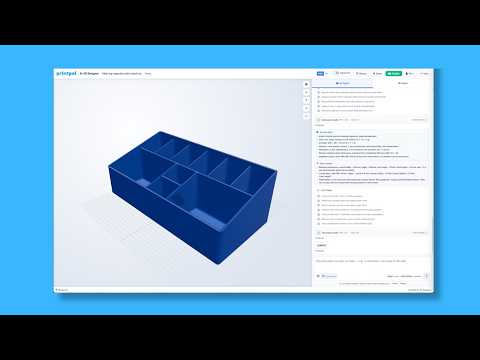
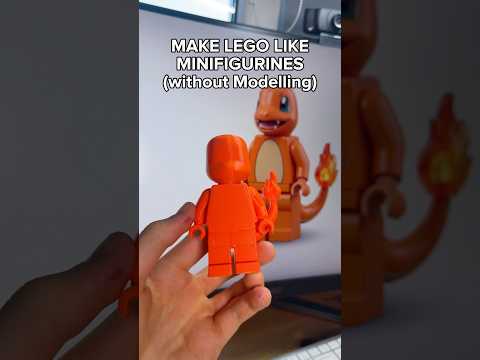
About this video
Turn Any Photo Into a Custom 3D Printed Bobblehead
With PrintPal's bobblehead maker, you can go from a casual selfie or favorite character image to a fully printable multi-color bobblehead in just a few clicks. No modeling skills, no sculpting, and no hours spent in CAD software — just upload, tweak, and print.
How the Bobblehead Maker Works
The tool lives inside the PrintPal tool library, so you do not need to install anything or learn new software. The basic workflow is:
- Upload your photo — Any clear front-facing portrait works best. Pet photos, cartoon characters, and group shots can all be turned into fun figurines.
- Automatic conversion — PrintPal processes the image and generates a ready-to-print multi-color 3D file in seconds.
- Adjust the settings — Fine-tune head size, body proportions, color regions, and base style before downloading.
- Download or print — Export the file locally or send it straight to PrintPal's print service.
Why Multi-Color Matters
Traditional bobbleheads are painted after printing, which adds time, cost, and skill requirements. PrintPal bakes the colors directly into the file, so skin tones, hair color, clothing, and accessories all come through in a single print. The result is a finished-looking figurine straight off the build plate.
Tips for the Best Results
- Use a high-resolution photo with the face clearly visible and well-lit.
- Avoid heavy shadows, hats, or sunglasses that obscure facial features.
- Solid or simple backgrounds help the tool isolate the subject more cleanly.
- Print at a layer height of 0.1 mm or finer for smoother facial details.
Common Uses
Custom bobbleheads make great gifts, wedding cake toppers, desk decorations, team mascots, and promotional giveaways. Because the tool works from any image, pet bobbleheads, caricature bobbleheads, and even historical figure replicas are all possible.
FAQ
Do I need my own 3D printer? No. PrintPal handles the print through its print service.
What file format do I get? A multi-color 3D file ready for standard FDM or resin workflows.
Can I edit the design after generating? Yes — re-adjust settings and re-render as many times as you like before downloading.