About this video
What Is a 3D Printed Custom QR Code?
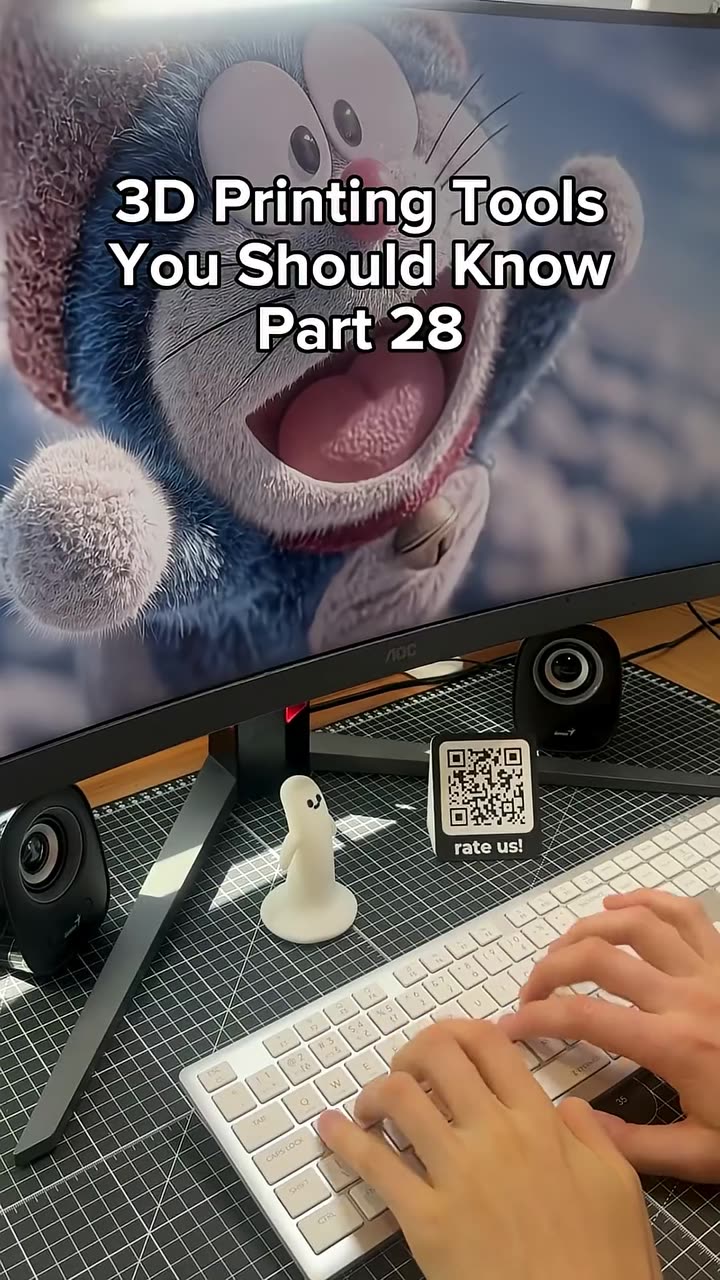
A 3D printed custom QR code is a physical, scannable code that has been rendered as a printable model and produced on a 3D printer. Instead of printing a flat sticker or paper label, the QR code becomes a tactile object that can be embedded into signage, coasters, keychains, or wall plaques. Because the raised and recessed pixels of a QR code translate perfectly into layered 3D geometry, the result is both decorative and fully functional for any smartphone scanner.
How to Generate a Custom QR Code for 3D Printing
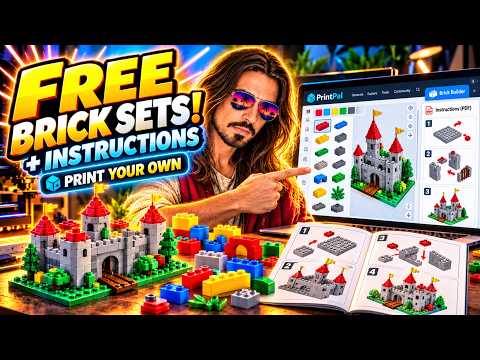
The fastest workflow uses an online QR code generator built specifically for 3D printing. On PrintPal, the process takes only a few clicks:
- Open the PrintPal QR Code Generator from the Tools menu.
- Paste any destination link — a website URL, Wi-Fi credentials, a phone number, or an email address.
- Preview the generated code and confirm it scans correctly with your phone camera.
- Send the model directly to the print queue.
The tool automatically optimizes the QR code geometry so that it prints cleanly without needing manual cleanup in CAD software.
Why a 10-Second Print Is a Real Business Opportunity
A standard small QR code tile can be printed in roughly 10 seconds on a resin or high-speed FDM printer, making the cost per unit around 50 cents. On marketplaces like Etsy, similar custom 3D printed QR code products regularly sell for $9 to $15, and the use cases are nearly endless:
- Hotels offering guest Wi-Fi access without a paper card.
- Restaurants replacing disposable table tents with branded QR menus.
- Retail shops linking to product pages, reviews, or social profiles.
- Real estate agents attaching listings to physical signage.
- Event planners creating scannable wedding favors or tickets.
Selling the same design in small batches to multiple local businesses is a simple way to turn a single 3D printed object into recurring revenue.
Tips for a Great-Looking 3D Printed QR Code
- Test the scan before committing to a large batch. Phone cameras need adequate contrast between the raised and recessed squares.
- Add a flat base or bezel so the code sits flush on tables and walls.
- Use matte filament or resin; glossy finishes can create reflections that confuse scanners.
- Embed your logo or a small icon in the dead space of the QR code for branding, but only if the generator allows it without breaking scannability.
Frequently Asked Questions
Do 3D printed QR codes actually scan?
Yes. As long as the contrast between the code surface and the background is high enough, a standard smartphone camera will read it just like a paper code.
What material should I use?
Matte PLA, PETG, and standard gray resin all work well. Avoid fully transparent or highly reflective filaments.
Can I add my own logo to the code?
Some generators, including PrintPal's, let you overlay a small brand mark in the center of the QR code while keeping it scannable.
How much can I realistically make?
Even at a conservative 50-cent cost and a $12 retail price, a small print run of 100 units produces over $1,000 in gross profit before shop fees and shipping.