About this video
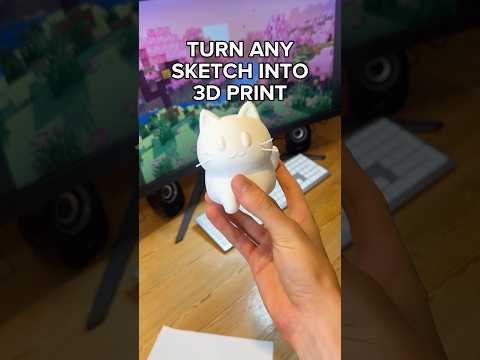
Turn Any Sketch Into a 3D Print in Seconds
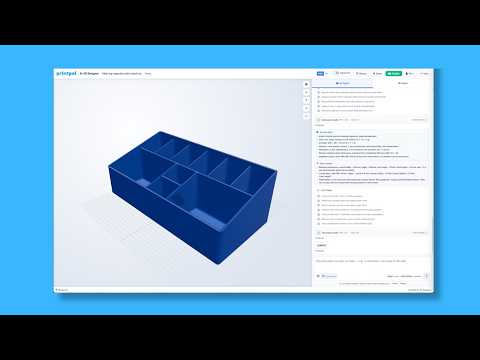
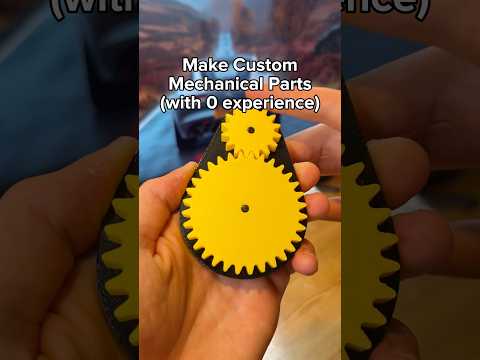
3D printing has never been more accessible, and tools like PrintPal's sketch-to-3D preset make it possible for anyone — even without CAD experience — to bring a hand-drawn idea to life. In the latest installment of the "3D printing tools you should know" series, the workflow is broken down into a few effortless steps.
How the Sketch-to-3D Tool Works
The process is designed to be as simple as taking a photo:
- Open PrintPal and navigate to the sketch to 3D preset.
- Capture your sketch using your phone or webcam — a quick photo of a napkin drawing, whiteboard concept, or printed outline is all you need.
- Upload the image to the platform. PrintPal's AI analyzes the lines and converts them into a printable mesh.
- Choose your quality setting:
- Draft — optimized for speed, ideal for quick prototypes and rough iterations.
- Production — higher detail and smoother surfaces, best for final parts or display pieces.
- Download the file (typically STL) and send it straight to your slicer or 3D printer.
Why This Tool Is a Game-Changer for Makers
Traditional 3D modeling requires learning software like Blender, Fusion 360, or TinkerCAD. The sketch-to-3D preset removes that barrier entirely. Designers can sketch an idea in under a minute and hold a physical prototype shortly after. It's especially useful for:
- Rapid prototyping during brainstorming sessions
- Educators and students introducing 3D printing concepts
- Hobbyists who want to test concepts without committing to a full CAD workflow
- Artists translating 2D drawings into tangible objects
Tips for Best Results
- Use clean, high-contrast sketches with bold lines for the most accurate conversion.
- Photograph your drawing on a flat, well-lit surface to reduce shadows and distortion.
- Start with the draft quality to verify the shape, then re-run in production mode for the final print.
- Pair the output with a slicer like Cura or PrusaSlicer to fine-tune supports, infill, and layer height.
Frequently Asked Questions
What file format does PrintPal export?
The tool typically outputs an STL file, which is compatible with virtually every consumer 3D printer and slicer.
Do I need drawing skills?
No — even rough doodles work. Clearer lines simply yield more accurate models.
Is the sketch-to-3D tool free?
PrintPal offers a free tier to try the preset; check the link in the bio for current details.
Try it yourself and go from paper to print in minutes.