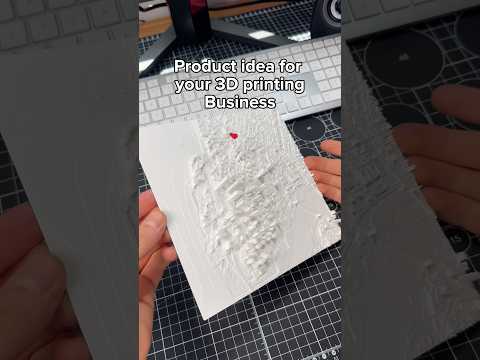
About this video
What is the PrintPal Architecture Tool?
The PrintPal Architecture Tool is an AI-powered feature that converts 2D images of buildings into 3D print-ready models. This innovative tool makes architectural visualization accessible to everyone, eliminating the need for complex 3D modeling software or design skills.
How to Convert Your House Photo to 3D Print
The process is refreshingly simple:
- Step 1: Navigate to the Architecture Tool section within PrintPal's platform
- Step 2: Upload or drag-and-drop an image of your house
- Step 3: Click the "Generate" button
- Step 4: Wait approximately 3 minutes for processing
- Step 5: Download your ready-to-print 3D model file
Tips for Best Results
- Use high-resolution images for sharper model details
- Choose photos with clear architectural features
- Ensure good lighting in the original photograph
- Avoid images with heavy obstructions or clutter
What Can You Do With a 3D House Model?
Once generated, your 3D house model opens up exciting possibilities:
- Architectural presentations and client pitches
- Real estate marketing materials
- Game design assets and virtual environments
- Architectural student projects
- Personalized home decor and gifts
- Heritage preservation and historical documentation
Frequently Asked Questions
Do I need 3D printing experience?
Not at all. The tool is designed for beginners with zero prior experience.
What file formats are supported?
PrintPal outputs standard 3D printing formats compatible with most slicers and printers.
How long does generation take?
The entire conversion process takes approximately 3 minutes, though complex images may require slightly more time.
Can I edit the generated model?
Yes, the output file can be further refined in any standard 3D modeling software before printing.