About this video
Turn Any 3D Model Into a Jigsaw Puzzle — For Free
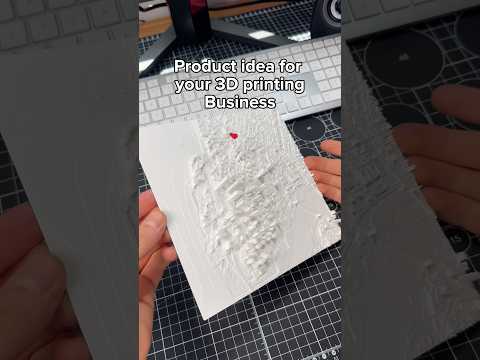
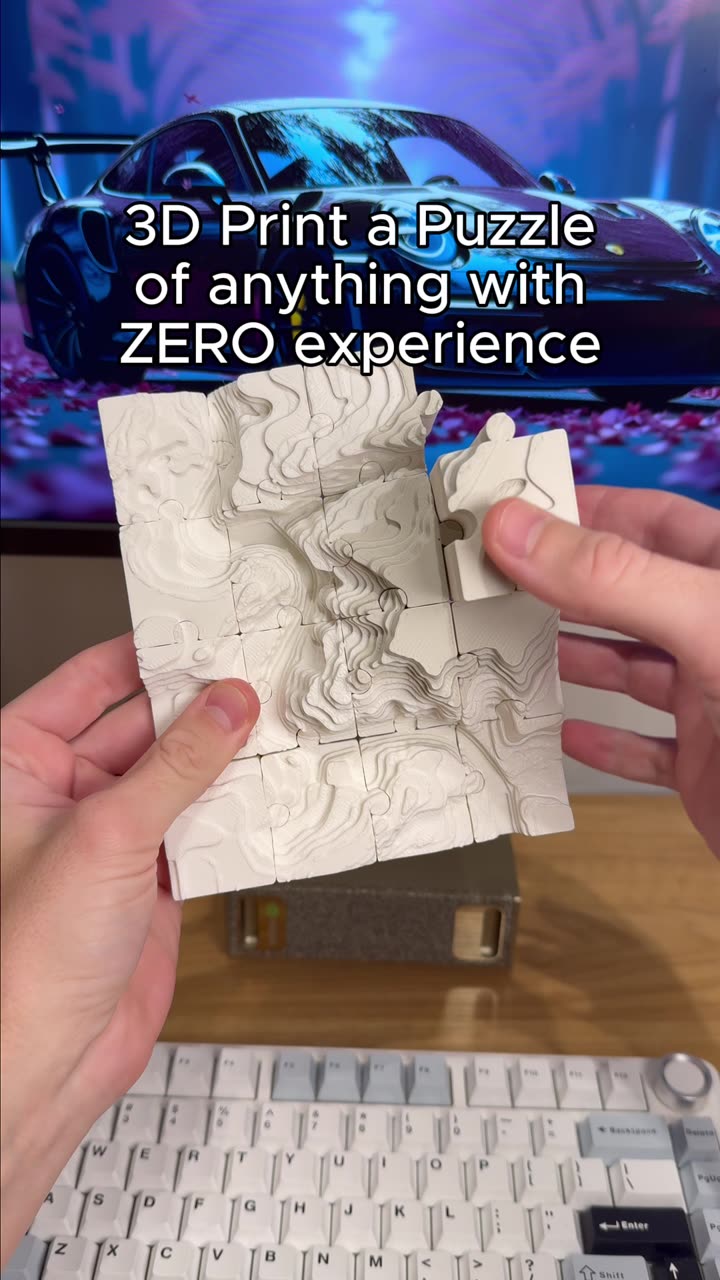
PrintPal's Puzzle Maker is the latest tool in the popular "3D Printing tools you should know" series, and it opens up a fun new dimension for your 3D prints. Whether you want to preserve a sculpture, create a personalized gift, or add a hands-on element to an educational project, this free tool lets you transform virtually any 3D model into a fully interlocking jigsaw puzzle you can print at home.
How PrintPal's Puzzle Maker Works
The process is refreshingly simple. You upload your 3D model — the tool accepts common formats like STL and OBJ — select your desired number of puzzle pieces, adjust the knob size to control how interlocked the pieces are, and the Puzzle Maker generates a printable puzzle assembly right in your browser. No design experience or CAD software required.
Key Features
- Customizable piece count — Choose anywhere from a handful of pieces for simple puzzles to dozens for complex challenges
- Adjustable knob size — Tweak the interlock difficulty to match your print resolution and skill level
- Print bed presets — Built-in presets match common 3D printer build plates, so pieces fit your specific machine
- Animated preview — Watch a satisfying animation of the puzzle being assembled before you print
Tips for Best Results
For clean, smooth pieces, use PLA or PETG filament with a layer height of 0.2mm or lower. Orient pieces flat on the print bed to avoid needing supports. Start with a lower piece count if you're new to printing puzzles — 9 to 20 pieces is a good range for a first project.
Who Is This For?
Hobbyists who want unique, personal gifts; educators creating tactile learning tools; anyone who wants to turn digital models into something tangible and interactive. The tool is completely free to use with a link in the PrintPal bio.
Frequently Asked Questions
What file formats are supported?
STL and OBJ are the primary supported formats, which covers the vast majority of 3D models available online.
Do I need design experience?
No. The Puzzle Maker automates all the tricky geometry — you just upload and configure.
Is PrintPal's Puzzle Maker free?
Yes, the tool is free to use. Access it via the link in PrintPal's bio.
How many pieces can I create?
Piece count is configurable by the user, though very high counts may result in long print times and smaller pieces that require fine print settings.
Can I print the puzzle without supports?
Yes, if you orient pieces flat on the build plate. The Puzzle Maker's default layouts are designed for clean, support-free printing on most common bed sizes.