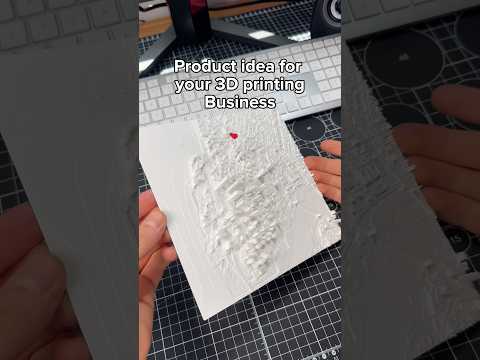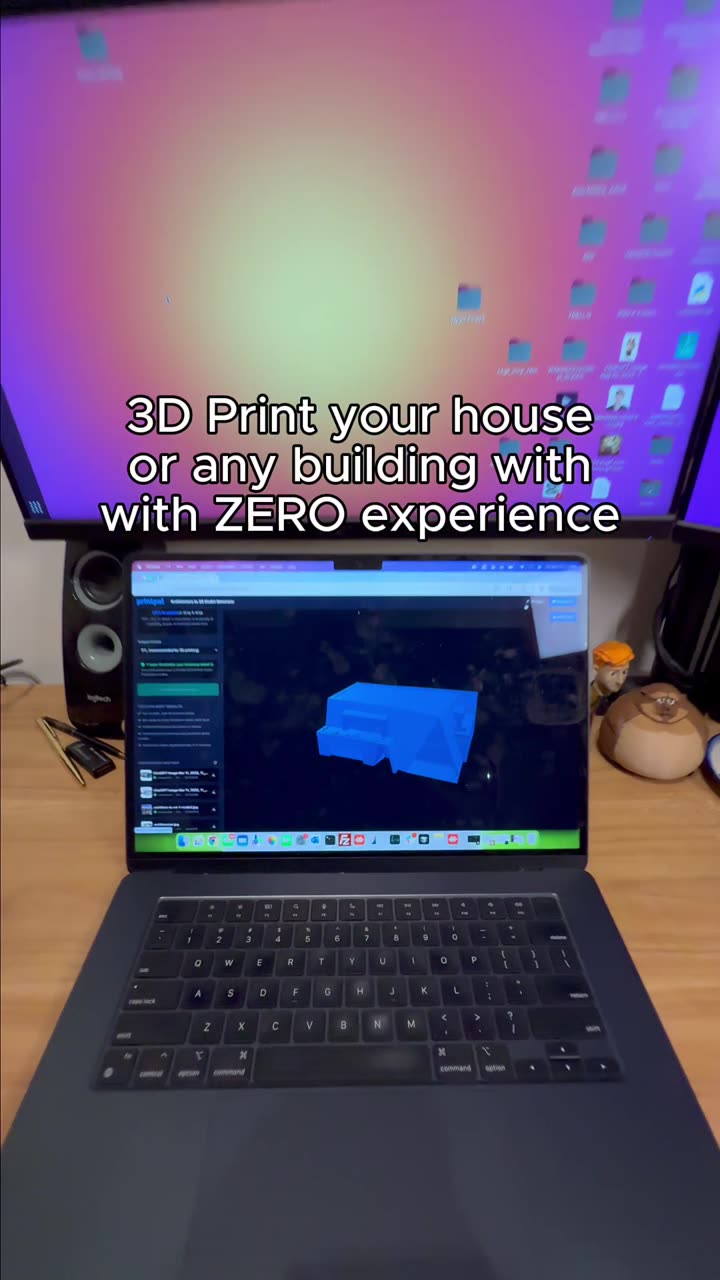
About this video
Turn Any Car Photo into a 3D Print-Ready Model
PrintPal's Vehicle Generator makes it incredibly simple to create detailed 3D car models from a single photograph—even if you've never used 3D modeling software. This AI-powered tool handles the complex work, so you can skip the learning curve entirely.
How the Vehicle Generator Works
The process is straightforward and designed for beginners:
- Navigate to PrintPal and find the "Tools" section in the main menu
- Select Vehicle Generator from the available tools
- Upload a clear image of your car (front-facing or side profile works best)
- Click Generate and wait approximately 3 minutes
- Download your 3D print-ready model in STL format
Tips for Best Results
To get the most detailed and accurate 3D model possible, keep these tips in mind:
- Use high-resolution photos with good lighting
- Choose images where the car is clearly visible with minimal background clutter
- Ensure the vehicle takes up most of the frame
- Avoid heavily filtered or compressed images
- Natural daylight photos typically yield better results
What Can You Do With Your 3D Car Model?
Once generated, your 3D car model opens up creative possibilities:
- Custom collectibles and display pieces
- RC car parts and replacement components
- Classroom models for automotive education
- Personalized gifts for car enthusiasts
- Design references for custom builds
Frequently Asked Questions
Do I need 3D modeling experience?
Not at all. The Vehicle Generator is built for beginners with zero prior experience.
What image formats are supported?
Standard formats like JPG and PNG work well.
How long does generation take?
The entire process takes approximately 3 minutes.
Is the model ready for printing?
Yes, the output is STL format and optimized for 3D printing.
Can I use any car photo?
Clear, well-lit photos with the vehicle prominently visible produce the best results.