3D Printing Videos, Tips & Tutorials
Long-form Videos 16:9 · in-depth
 6:32
6:32
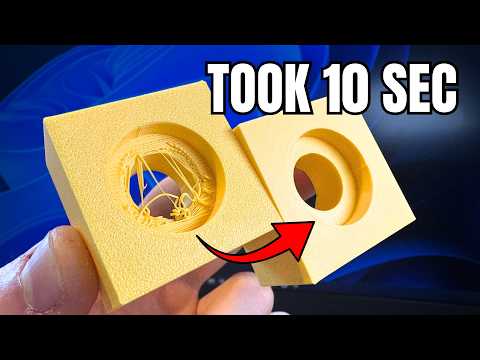
Stop 3D Printing Ugly Holes (Design + Slicer Fix)
How to Fix Ugly 3D Printed Holes Forever! (CAD & Slicer Fix)
 5:58
5:58
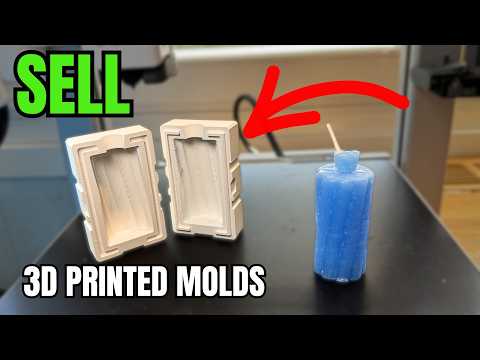
Make Money 3D Printing Molds (and ZERO Experience)
Turn your 3D printer into a mold-making business. Print custom candle molds with Meshcast, skip CAD, and sell bundles—no experience required.
 2:29
2:29
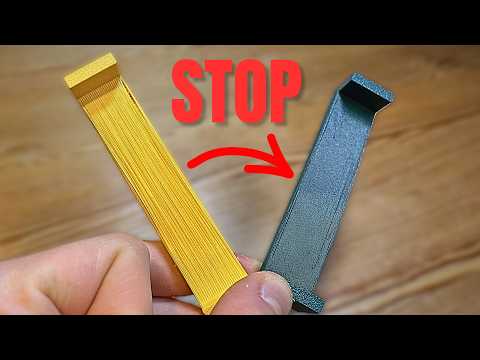
Why your 3D Prints Look Ugly (Quick Fix)
Struggling with stringy, sagging bridges? Master cooling, flow ratio, bridge speed, and fake bridges to get clean overhangs without supports.
 9:08
9:08
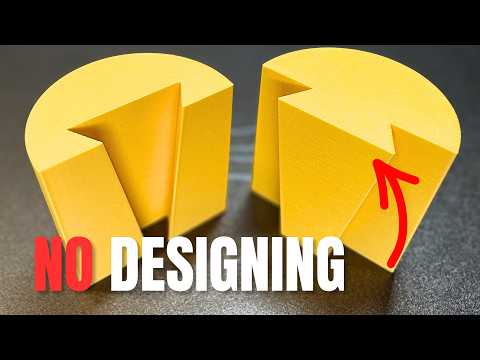
Connect 3D Prints Without Modelling, In 10 Seconds
Five slicer cut-tool connectors — dovetail, angled groove, dowel, plug, and snap fit — for splitting and joining big 3D prints without CAD.
 4:59
4:59
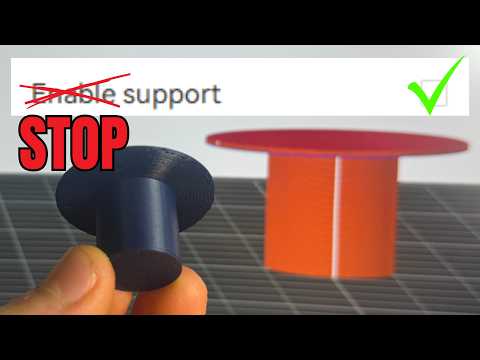
How To Stop Using Supports (WIth One Setting)
Enable Wave Overhangs in Orca Slicer to print 90° overhangs without supports using a single experimental setting.
 12:28
12:28
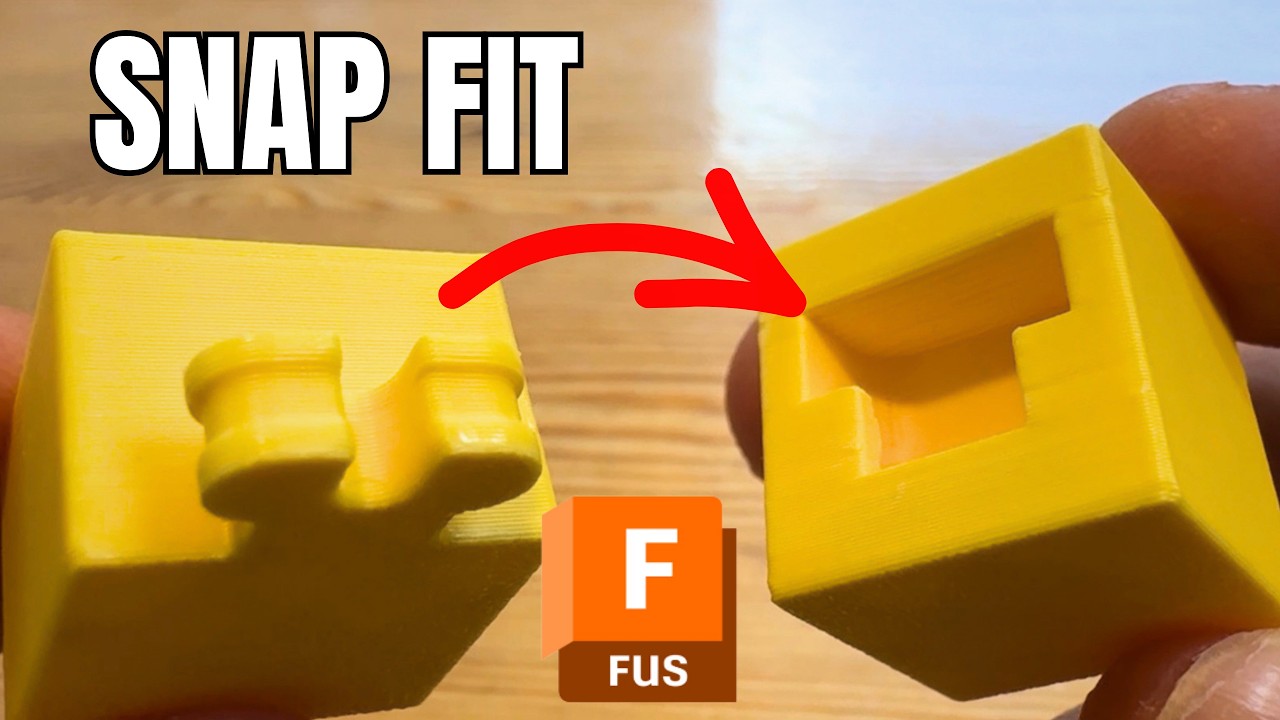
Design Snap Fits in Fusion 360 (But Easy)
Step-by-step Fusion 360 tutorial showing how to model, sweep, and tolerance a working snap fit joint for 3D printing.
 15:52
15:52
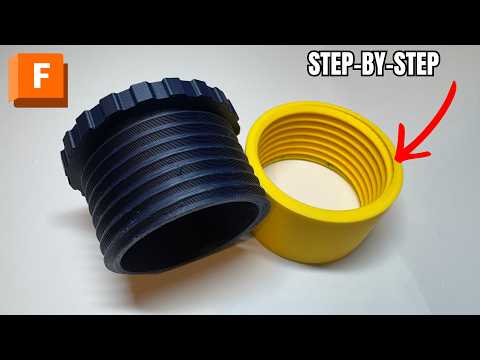
Design Fusion Threads for 3D Printing 2026 version
A step-by-step Fusion 360 guide to designing your own 3D-printable screw thread — from simple cylinders to a fully threaded, printable cap.
 1:42
1:42
CAD for Beginners: Design 3D Prints Using AI (No Skills)
Describe a part in plain English and PrintPal's CAD Agent writes real, printable OpenSCAD, then exports STL or 3MF for FDM printing.
 2:42
2:42
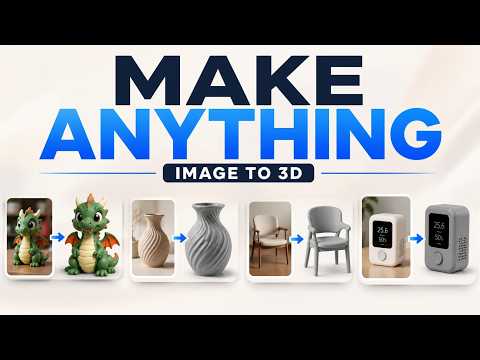
Turn Any Photo Into a 3D Print Model with AI (Beginner Tutorial)
Turn any photo into a print-ready 3D model in under two minutes with AI image-to-3D, full-color options, and one-click slicer sending.