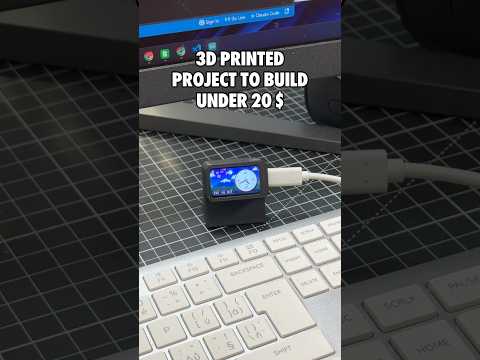
About this video
A slot machine that fits in your hand
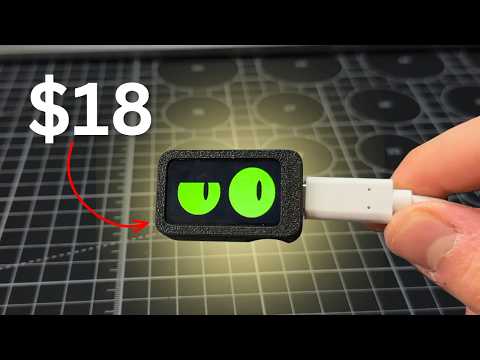
Lucky slab is a 3D printed slot machine built around the Waveshare ESP32-C6-LCD-1.47 screen. Pull the lever and three neon reels spin. It's a toy, so the credits aren't real money, but it's a fun way to learn how computers pick random numbers. The guide and files are free on the Lucky slab project page.
What you need (about $18)
- Waveshare ESP32-C6-LCD-1.47 board
- Five printed parts: cabinet, bezel, lever arm, ball knob and wedge foot (about 25 g of PLA in up to three colors)
- A USB-C data cable
- Chrome or Edge to flash the code
How to build it
- Download the 3MF (or STL) from the project page and print the three color plates.
- Click the board into the bezel and slide the bezel into the cabinet.
- Push the lever arm into its slot. The lever presses the board's BOOT button for you.
- Plug in the board and click Flash to board on the project page.
How to play
- Pull the lever: spend 1 credit and spin. You start with 24 credits.
- Two matching symbols: +3 credits.
- Three matching: +24 credits. 7-7-7 pays +77 with a coin shower.
- Hold the lever about a second: switch between the Vegas, Diner and Neon cabinet themes.
The guide also explains the maths: with 7 symbols on 3 reels there are 343 results, and only one is 7-7-7.
More builds with the same screen
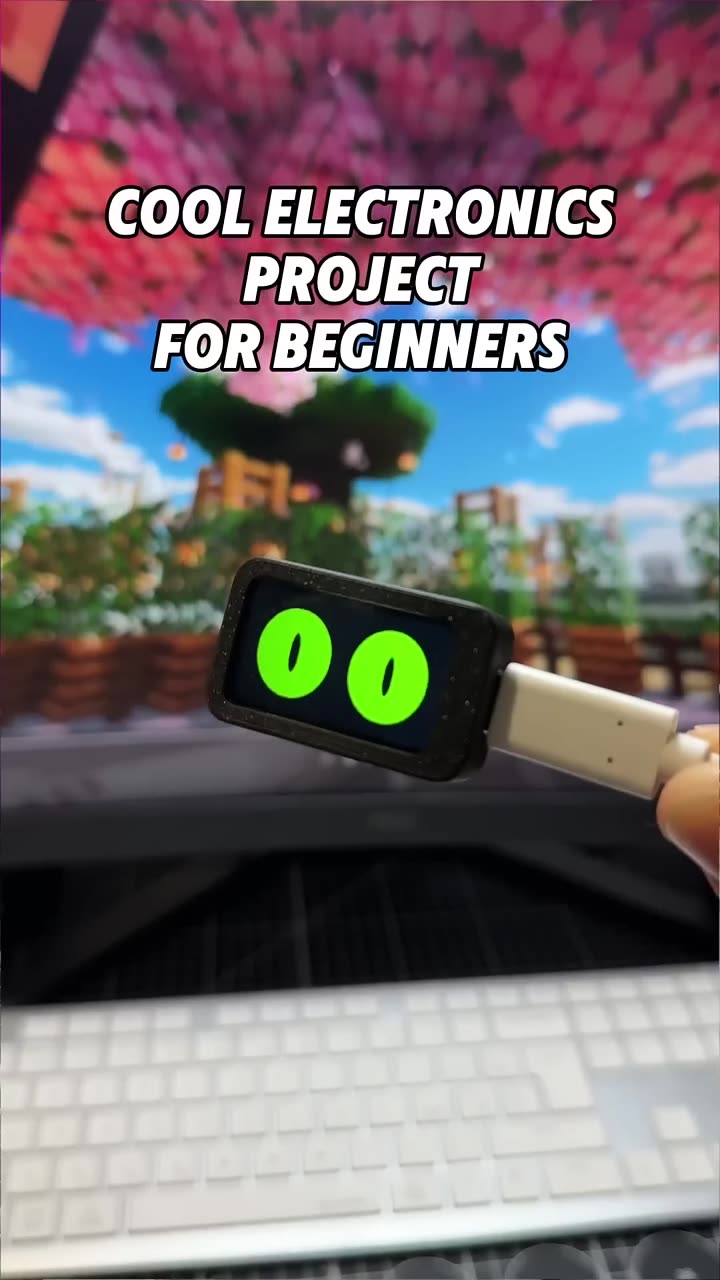
Slab eyes, Desk command slab and Music Play Pal.
FAQ
Do I need to code?
No. The firmware is precompiled. The Arduino source is included if you want to change the pay table or themes.
What happens when I run out of credits?
The screen shows INSERT COIN. The guide shows how to reset your credits.