About this video
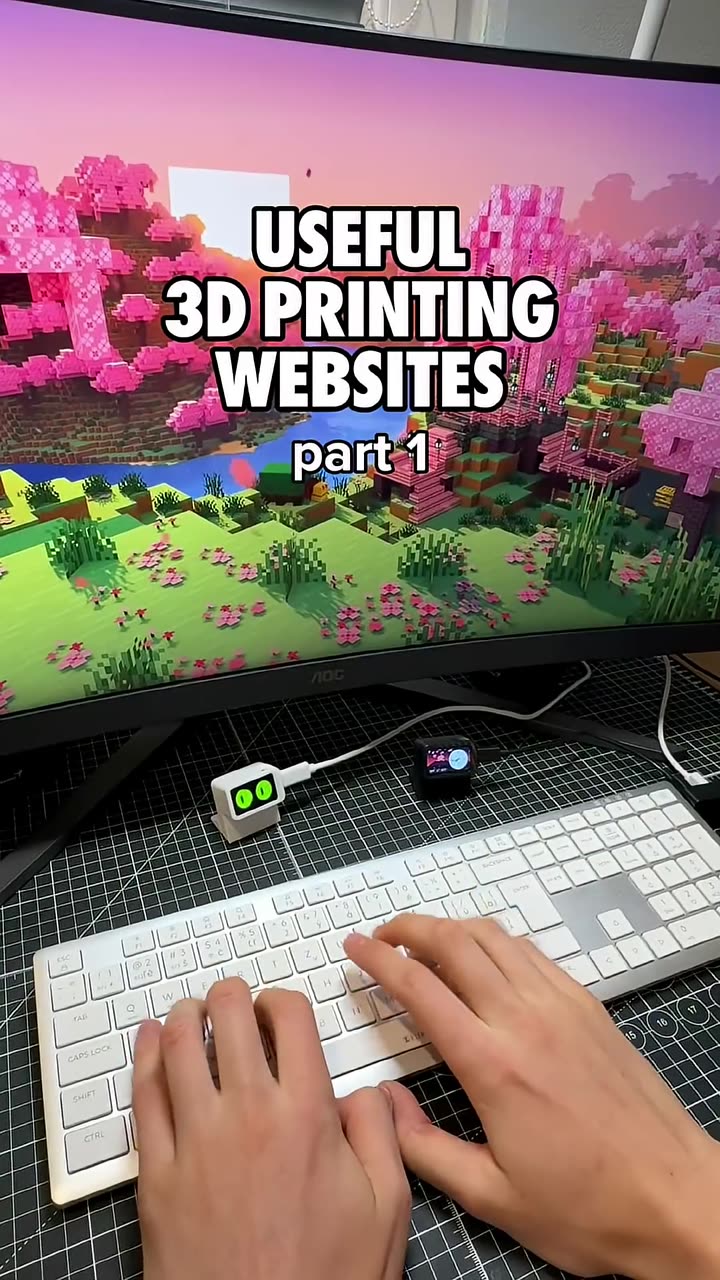
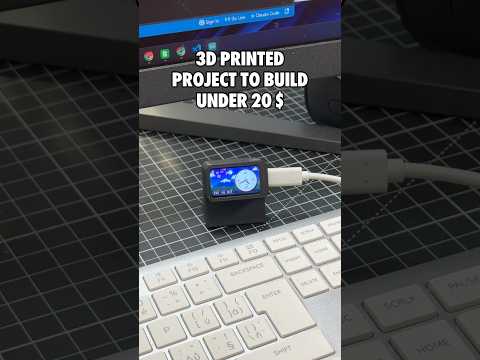
A desk buddy that watches you work
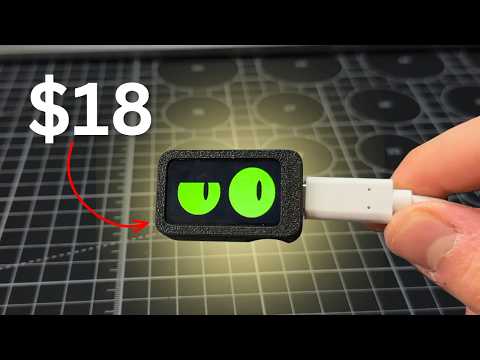
Slab eyes is a pair of animated cartoon eyes in a small 3D printed case. They glance around, blink, wink and get sleepy when nobody plays with them. Everything you need is in the free Slab eyes guide on PrintPal.
Steps
- Go to PrintPal Projects and open Slab eyes.
- Buy the linked Waveshare ESP32-C6-LCD-1.47 screen (about $18 total build cost).
- Print the two case parts. It takes about 10 g of PLA, with no supports.
- Press the board into the frame and snap on the back lid.
- Plug in a USB-C data cable and click Flash to board in Chrome or Edge. The eyes appear within seconds.
Interact with it
- Short press on BOOT: poke it. It jumps, looks surprised, then smiles.
- Long press: change its style. There are nine looks, from glowstick green to ghost.
- Upload your own code: the Arduino source is in the guide, so you can change colors, moods and blink timing.
Why it's a great first project
No soldering, no wiring and no software to install. The guide also teaches real coding ideas: game loops, screen coordinates and random timers. That makes it a good STEM project for kids. Watch the full desk buddy walkthrough for more detail.
FAQ
Does it have a camera?
No. The eyes "come alive" using timers and random numbers.
Can I reuse the screen?
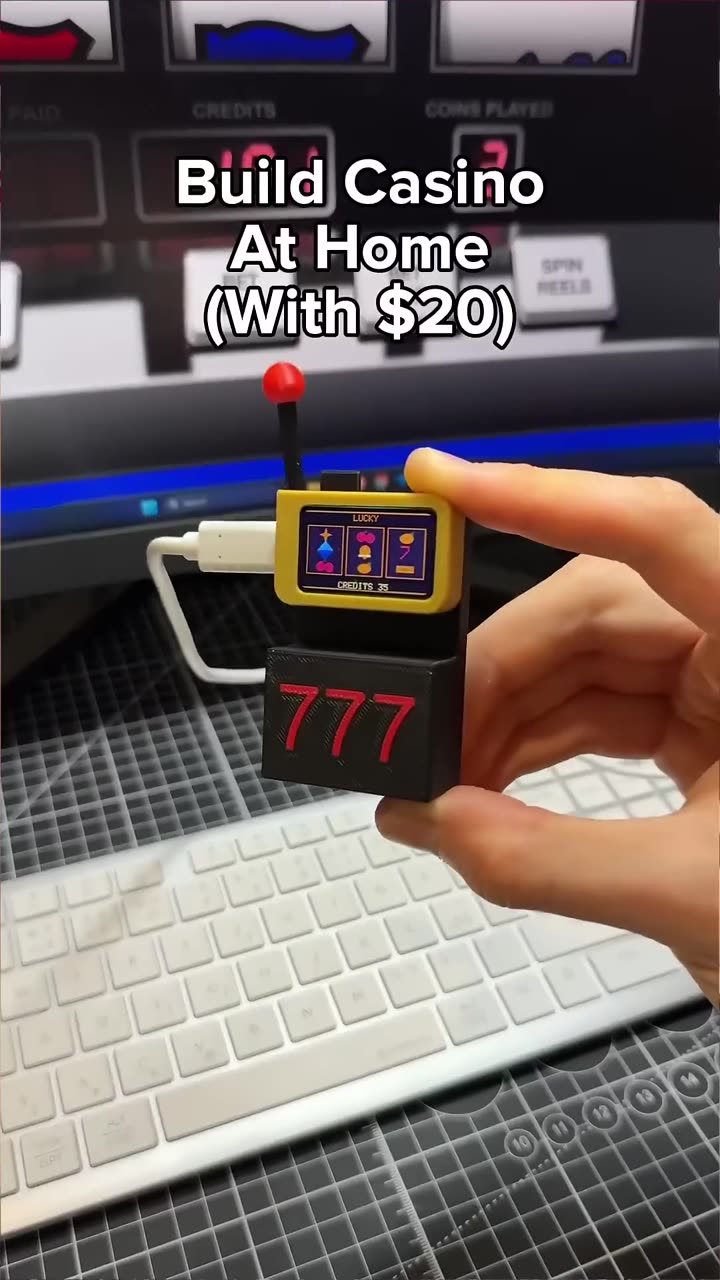
Yes. The same board runs the Lucky slab slot machine and the Desk command slab.