About this video
A desk clock gadget you build yourself
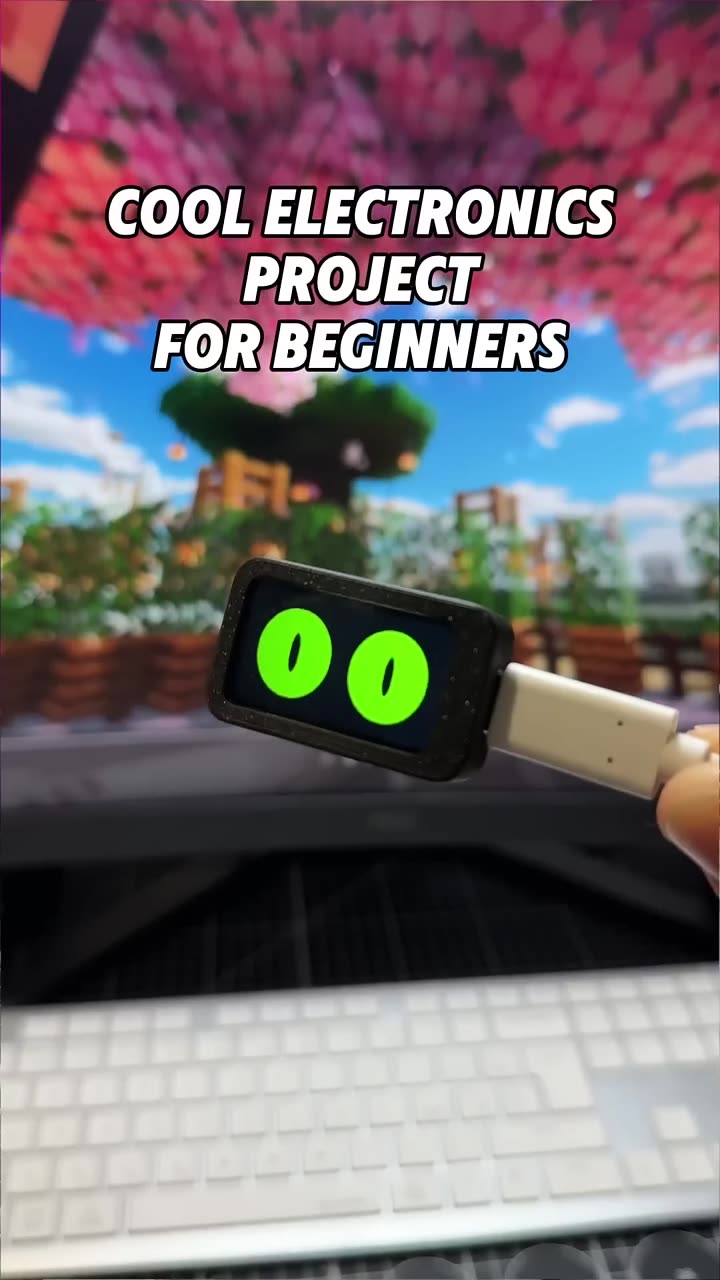
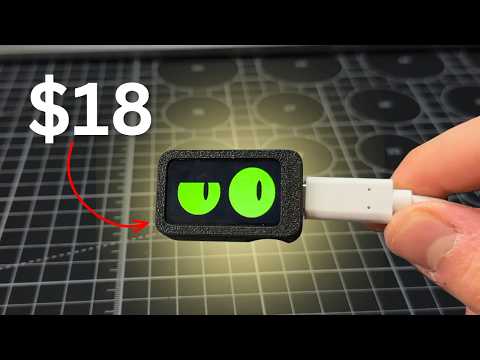
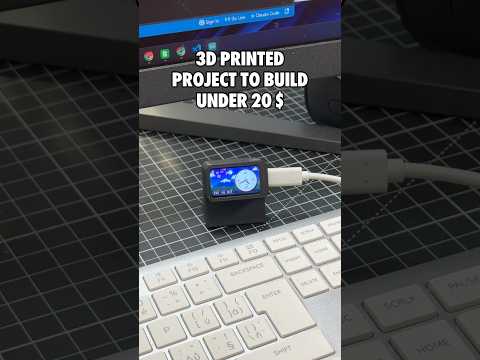
This short shows a small 3D printed desk clock with an animated clock face, built around an ESP32 screen that costs under $20 on Amazon. The print files, parts list and code are on PrintPal Projects.
How it's made
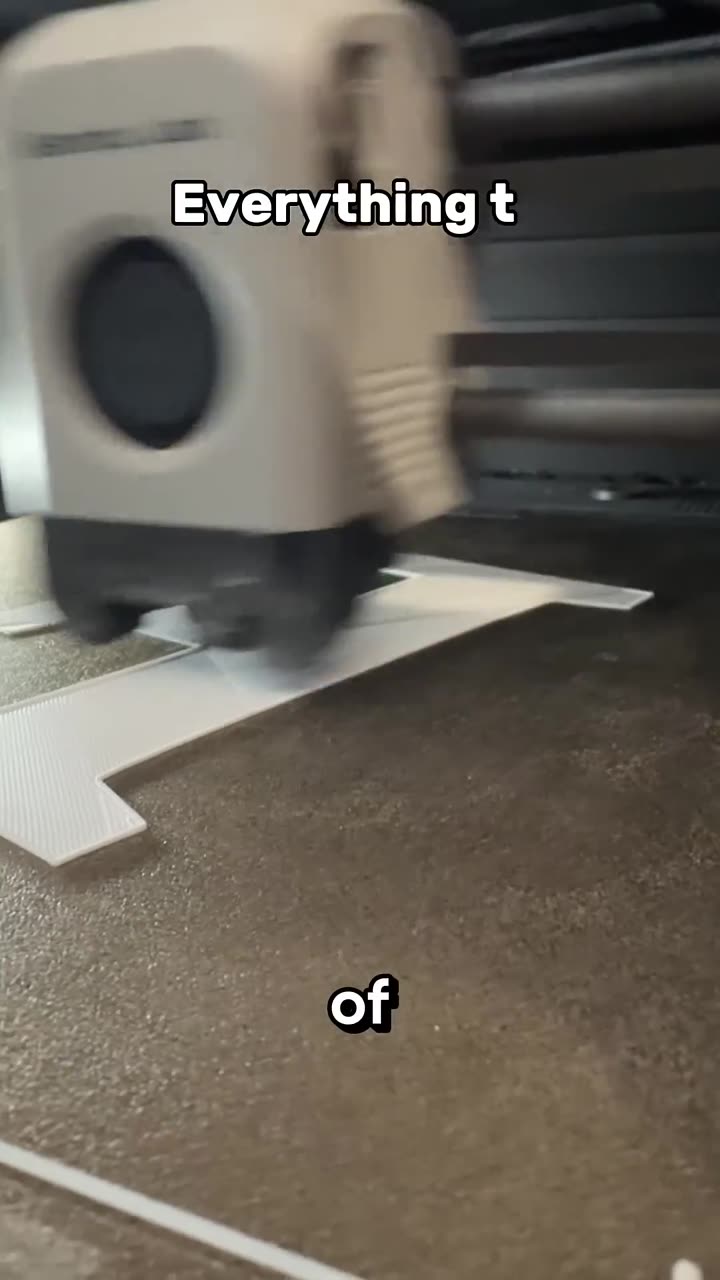
- Download the 3D files from the project on PrintPal and print the case parts.
- Buy the ESP32 screen linked in the guide (under $20).
- Fit the screen into the printed case.
- Plug it into your computer and click the Flash to board button on the project page. The code uploads straight from your browser.
Make it yours
- Edit the code to change the clock face, colors or what the screen shows.
- Edit the 3D model files to restyle the case, or print it in your own colors.
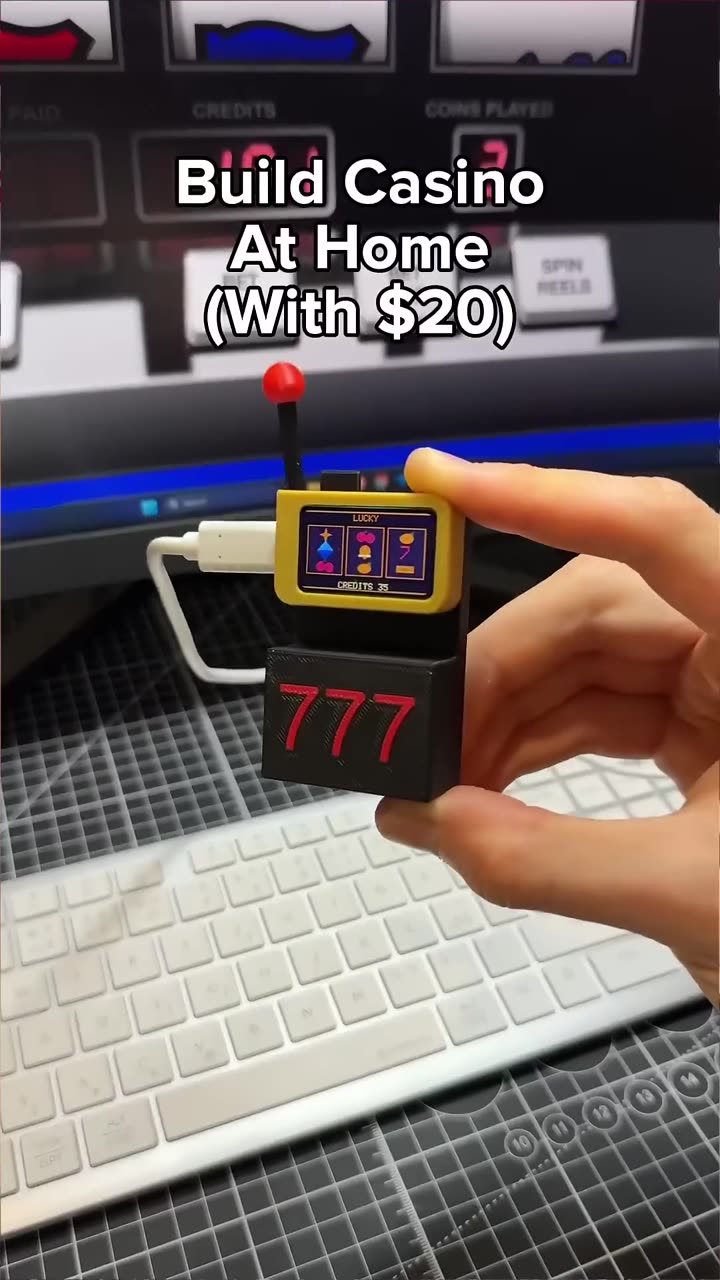
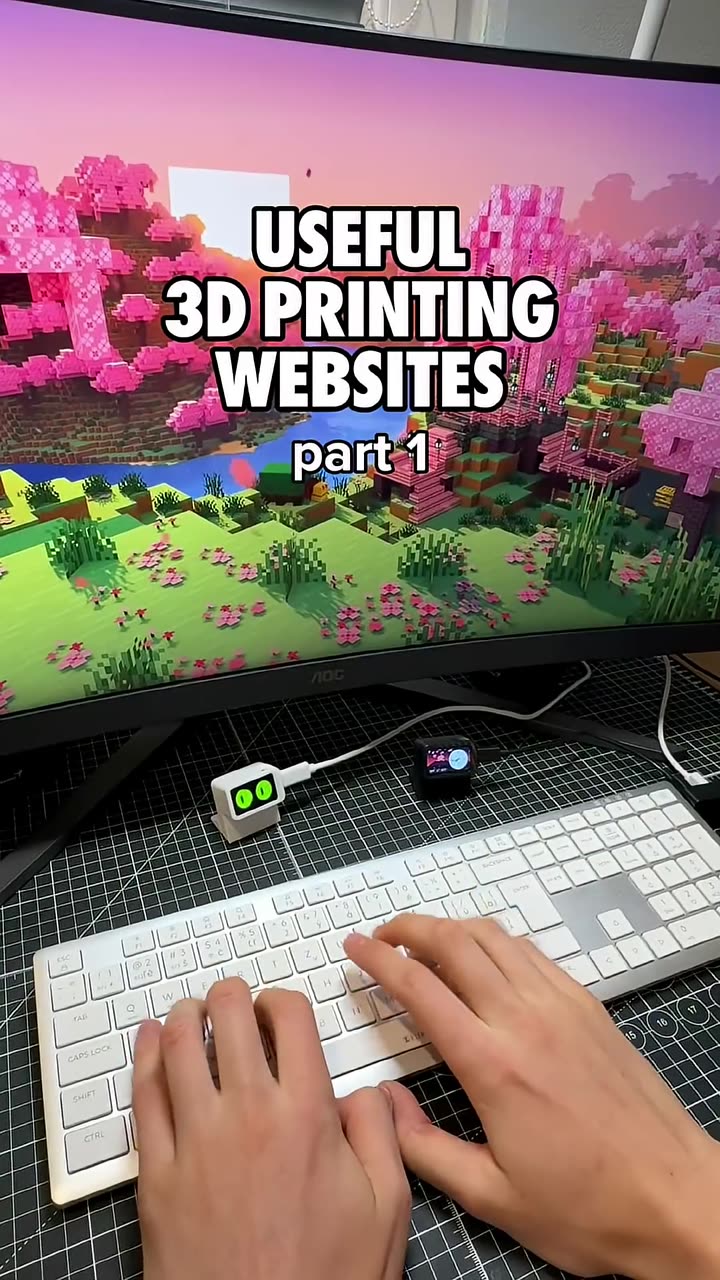
- Reuse the screen for other builds: animated Slab eyes, a slot machine, or a clock, weather and message panel.
Why it's a good first electronics project
- No soldering or wiring
- No software to install to get started
- A useful gadget for your desk setup, and a nice gift
- You learn the basics of electronics, 3D printing and coding in one build
FAQ
Do I need experience?
No. The video's point is that you can build it with no experience. You print the files, insert the screen and click one button.
Which browser do I need?
Chrome or Edge on a computer. Browser flashing doesn't work on Safari or phones.