About this video
Useful 3D printing websites, part 1: PrintPal Projects
PrintPal Projects is a library of free, step-by-step build guides that combine 3D printing with simple electronics. Each guide lists the parts, gives you print-ready files, and lets you load the code straight from the page.
The desk pal build
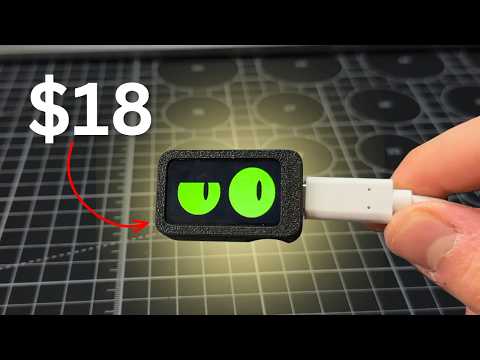
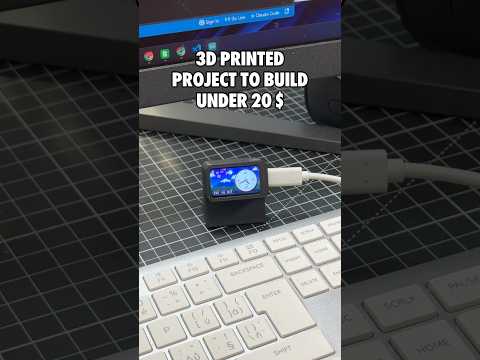
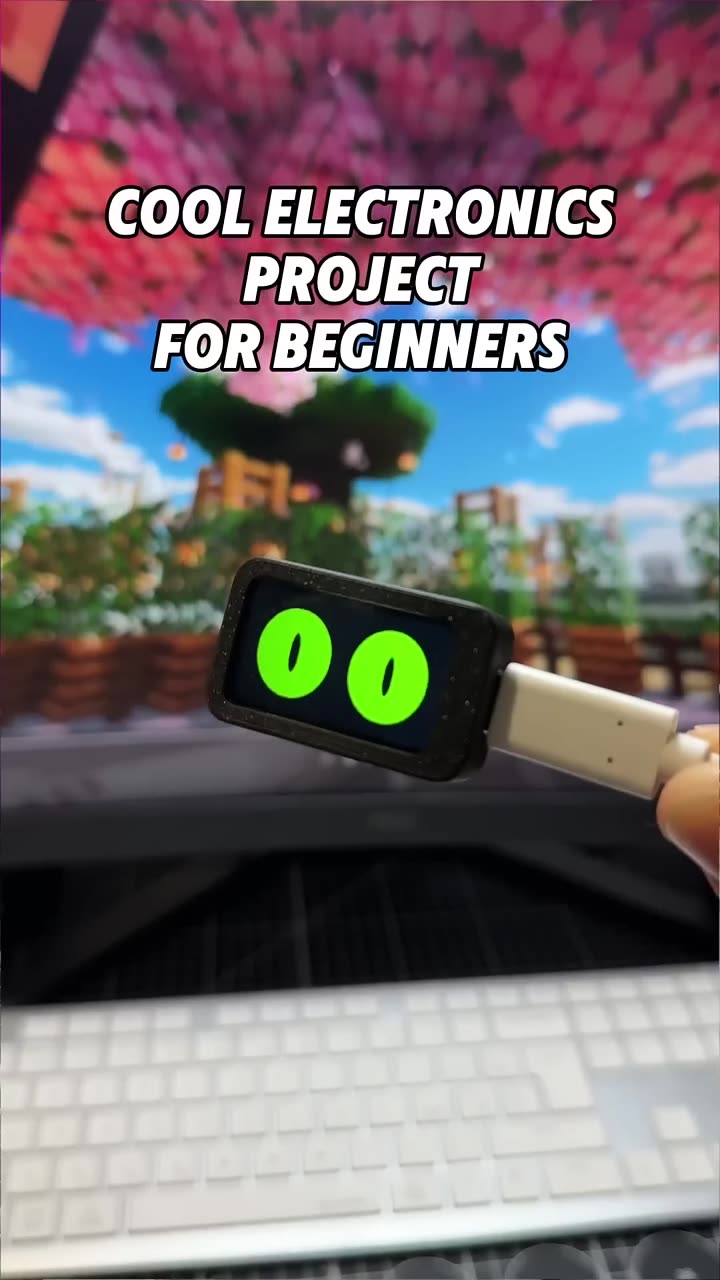
The project in this video is Slab eyes, an animated desk pal on an ESP32 display.
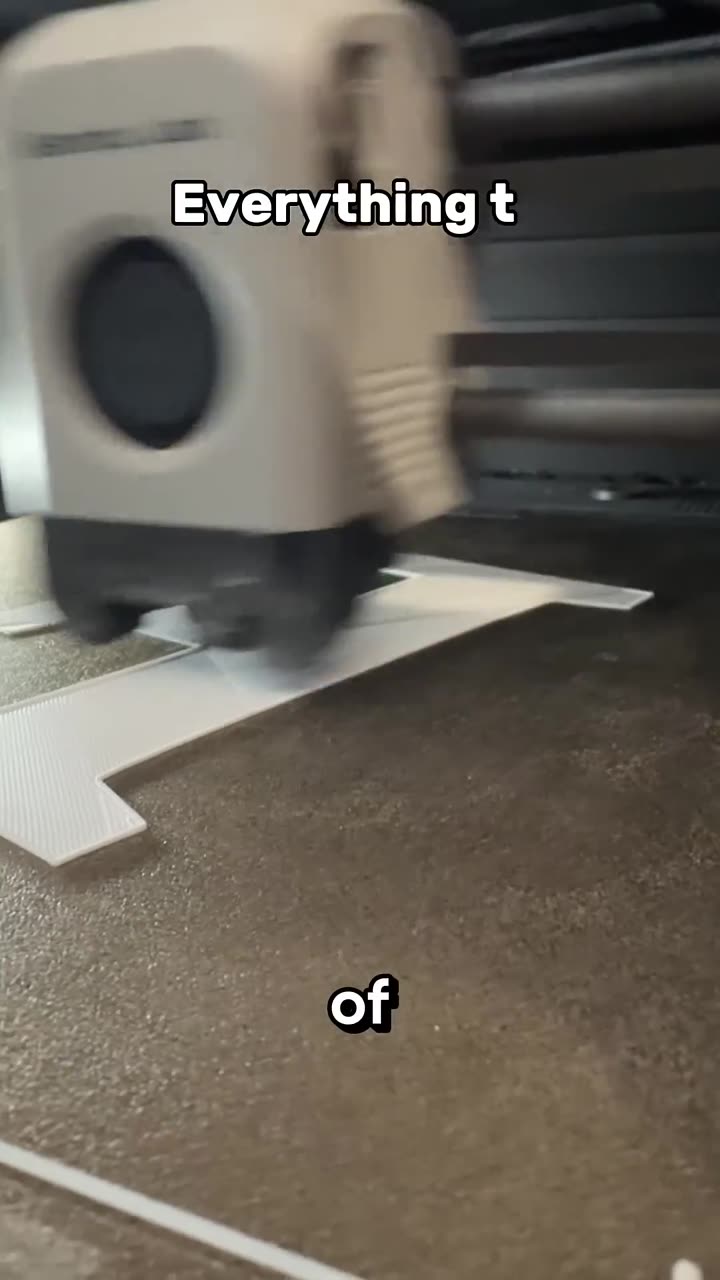
- Download the files and print the two-part case.
- Drop in the Waveshare ESP32-C6-LCD-1.47 display and press on the lid.
- Connect it to your computer with a USB-C data cable.
- Flash the code from the website with Flash to board. It works in Chrome or Edge, with no Arduino IDE needed.
Then play with it:
- Quick click: poke it.
- Long click: change its style (nine looks).
Why makers like these guides
- Free guides, files and firmware
- No soldering on beginner builds
- The Arduino source is included, so you can learn to code and customize it
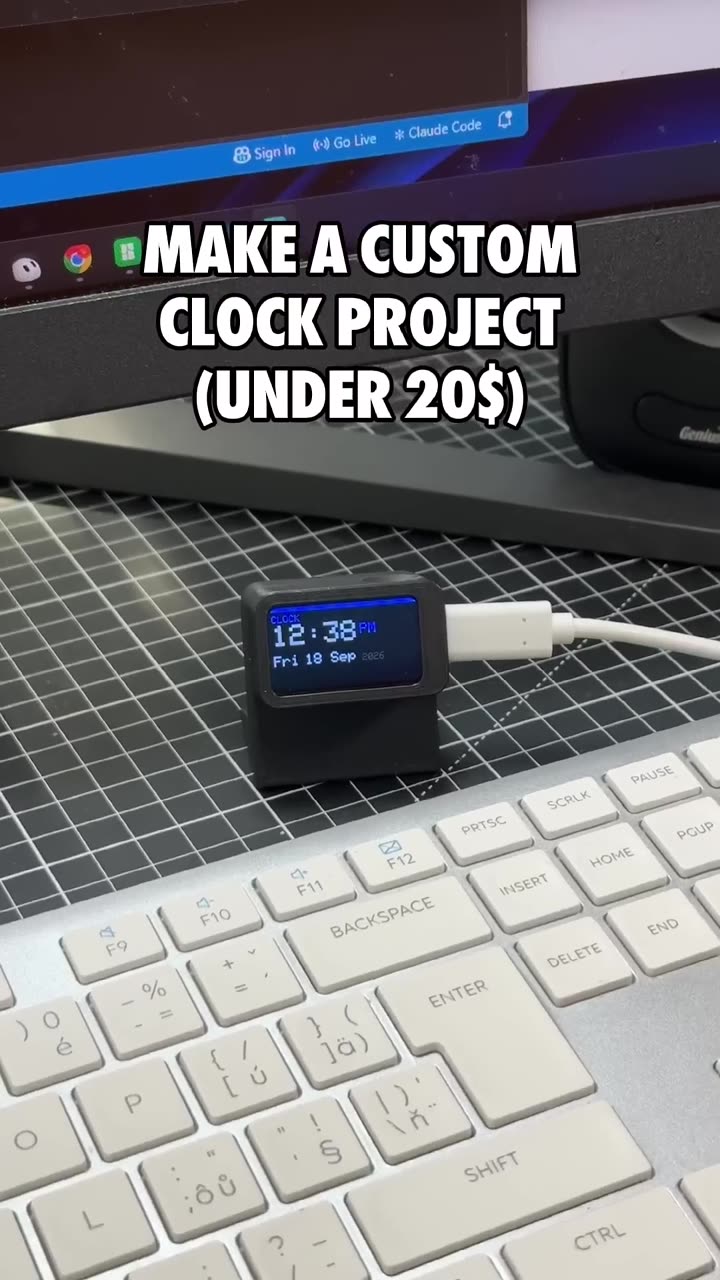
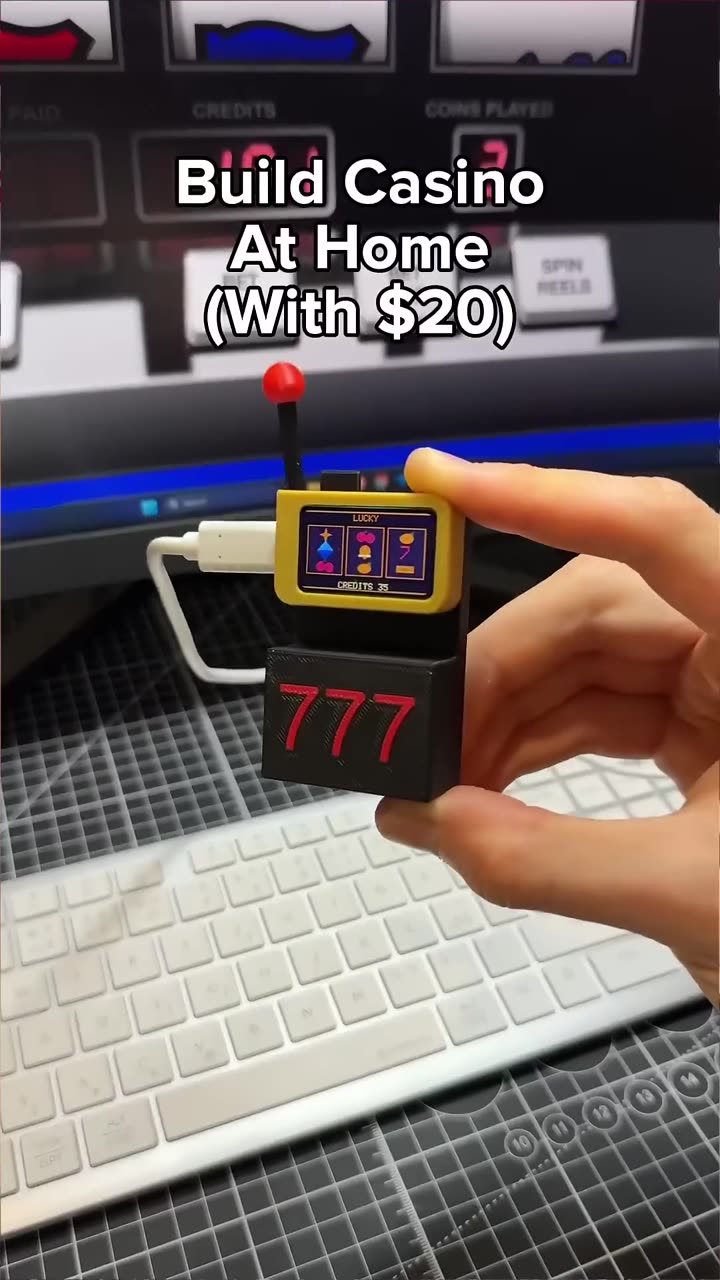
- The same ESP32 screen works across several projects, including a slot machine, a clock and weather panel and a music display
FAQ
Is the guide really free?
Yes. The guide, 3D files and code are free on PrintPal.
What does the build cost?
About $18 for the screen and a few grams of PLA.