3D Printing Videos, Tips & Tutorials
Long-form Videos 16:9 · in-depth
 2:00
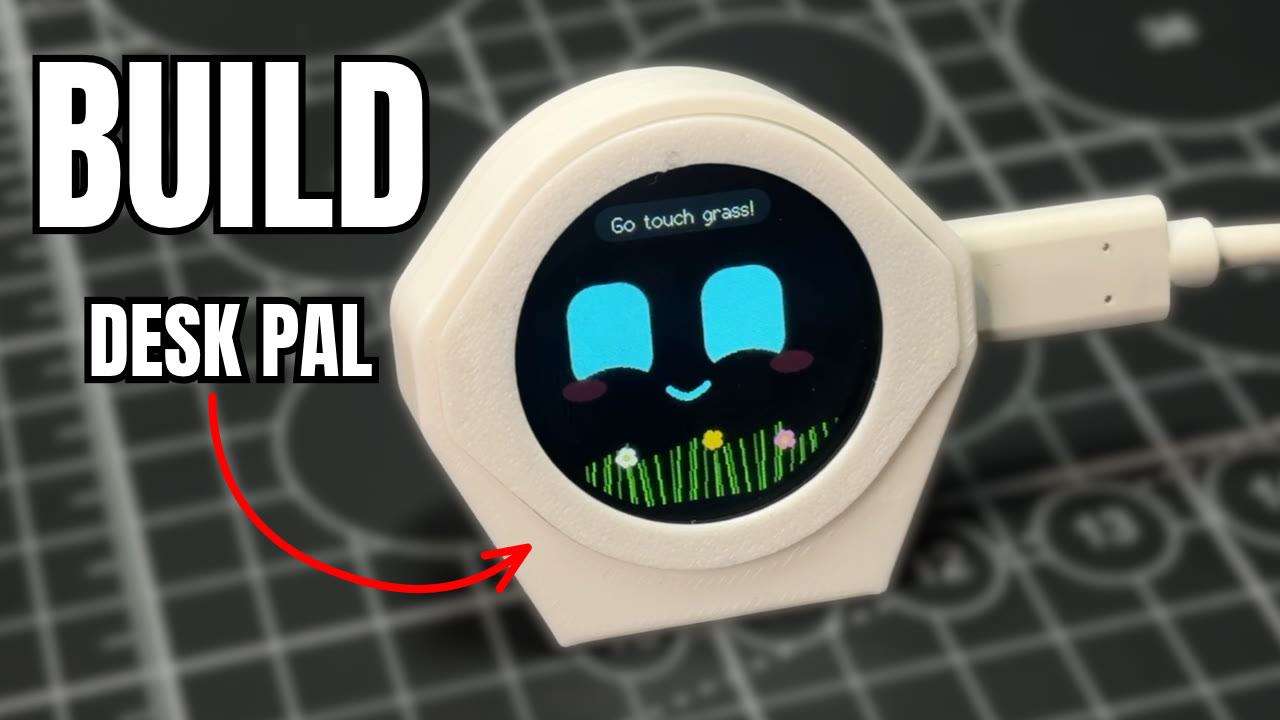
Build an ESP32-S3 Desk Buddy With a Real Personality
Build Desk Pal Buddy, a 3D printed desk pet on a round Waveshare ESP32-S3 touch screen. Print a three-part case, flash it from your browser, and he giggles, gets grumpy, falls asleep and reminds you to drink water.
 1:53
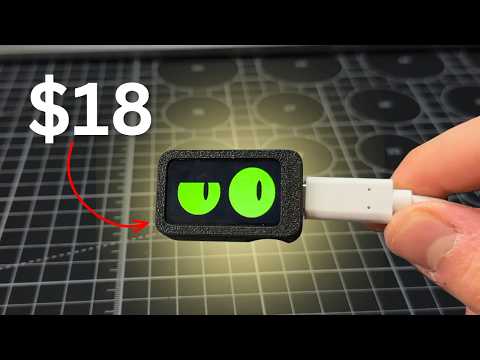
Build an Interactive ESP32-C6 Desk Buddy for Under $20
Build Slab eyes, an interactive desk buddy with animated eyes, from a Waveshare ESP32-C6 screen and a two-part 3D printed case. No soldering: press it together, flash the code from your browser, and poke it with the BOOT button. Free guide and files.
 1:27
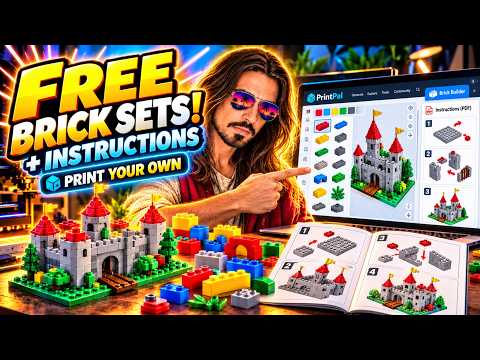
Design Custom LEGO-Style Brick Sets with Free PDF Instructions
Steve (3D Jesus) builds a custom model in PrintPal's free 3D Brick Builder, downloads every brick as a printable STL in one ZIP, and gets an auto-generated PDF instruction booklet. Includes his tolerance tips for printing LEGO-style bricks.
 1:53
Make a Custom 3D Printed QR Code Stand with a Free Generator
Steve (3D Jesus) turns his YouTube link into a scannable 3D printed QR code with PrintPal's free QR Code Generator, then adds a desk stand and a SCAN ME frame. Ideal for craft fair tables, shop counters and guest Wi-Fi signs.
 16:36
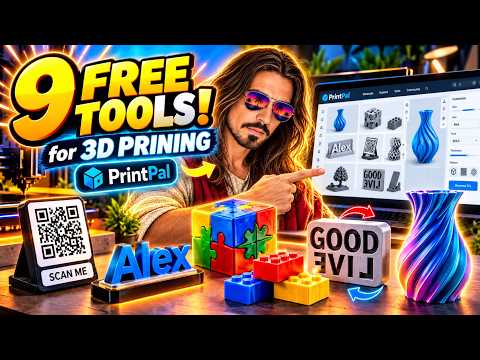
9 FREE 3D Printing Tools You'll Wish You Found Sooner
Steve (3D Jesus) tests nine free PrintPal browser tools with real examples: AI image-to-3D, name signs, a brick builder with PDF instructions, an STL puzzle maker, QR code stands, 3D text, nameplates, text flip and vases. Honest verdicts on each.
 0:57
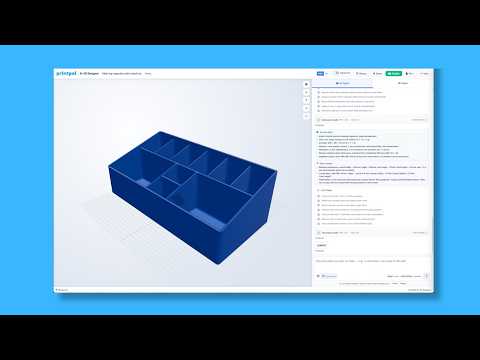
Parametric CAD from a photo using PrintPal
Turn a text prompt and reference photo into editable, parametric OpenSCAD code with built-in printability checks.
 6:32
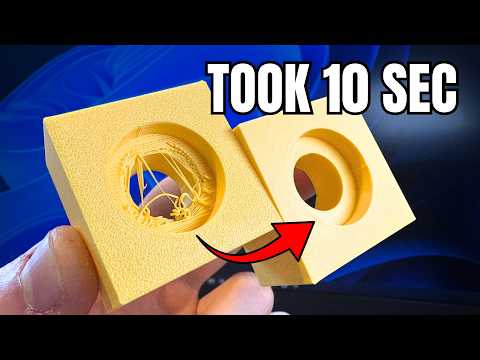
Stop 3D Printing Ugly Holes (Design + Slicer Fix)
How to Fix Ugly 3D Printed Holes Forever! (CAD & Slicer Fix)
 8:58
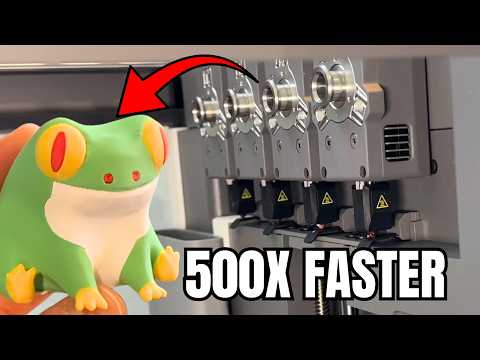
The BEST Generation of 3D Printing began - Flashforge Creator 5 review
A beginner-friendly $699 3D printer with a 4-nozzle system that prints multicolor models 80% faster and cuts filament waste by 70%.
 9:12
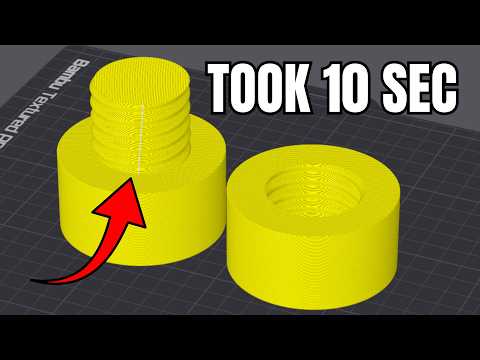
9 Slicer Hacks You Wish You Knew Sooner - in 9 min
Nine game-changing slicer tricks that save time, filament, and frustration — from keyboard shortcuts to mesh booleans and print pausing.
 2:12
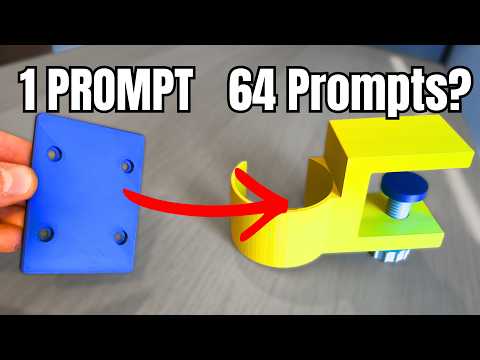
CAD Agent, but the Prompts Double
A chat-driven CAD agent that writes real OpenSCAD from your prompts, so every dimension stays editable and every design keeps evolving.
 5:58
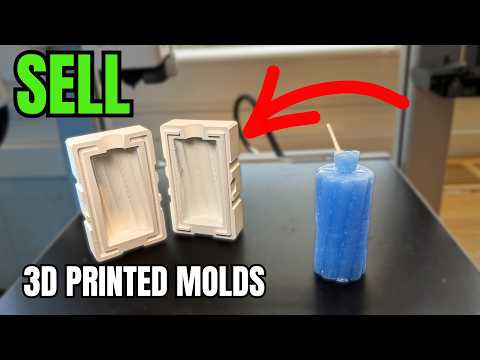
Make Money 3D Printing Molds (and ZERO Experience)
Turn your 3D printer into a mold-making business. Print custom candle molds with Meshcast, skip CAD, and sell bundles—no experience required.
 2:29
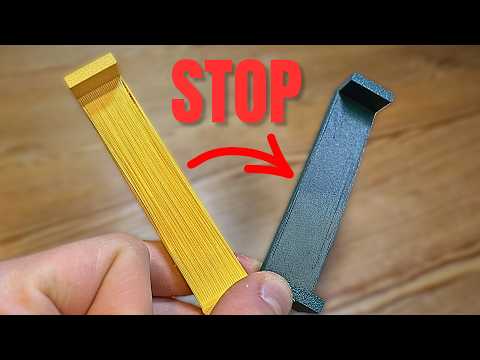
Why your 3D Prints Look Ugly (Quick Fix)
Struggling with stringy, sagging bridges? Master cooling, flow ratio, bridge speed, and fake bridges to get clean overhangs without supports.
 9:08
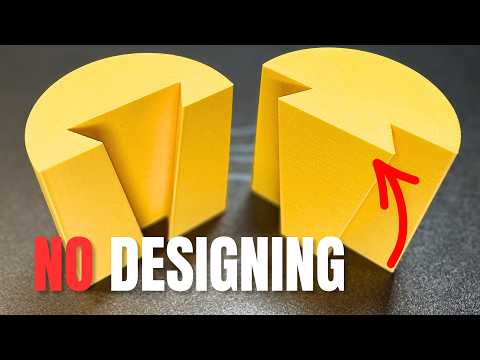
Connect 3D Prints Without Modelling, In 10 Seconds
Five slicer cut-tool connectors — dovetail, angled groove, dowel, plug, and snap fit — for splitting and joining big 3D prints without CAD.
 4:59
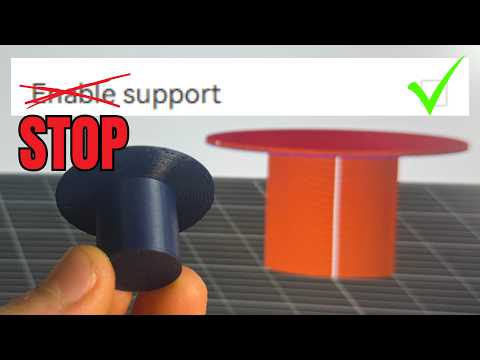
How To Stop Using Supports (WIth One Setting)
Enable Wave Overhangs in Orca Slicer to print 90° overhangs without supports using a single experimental setting.
 12:28
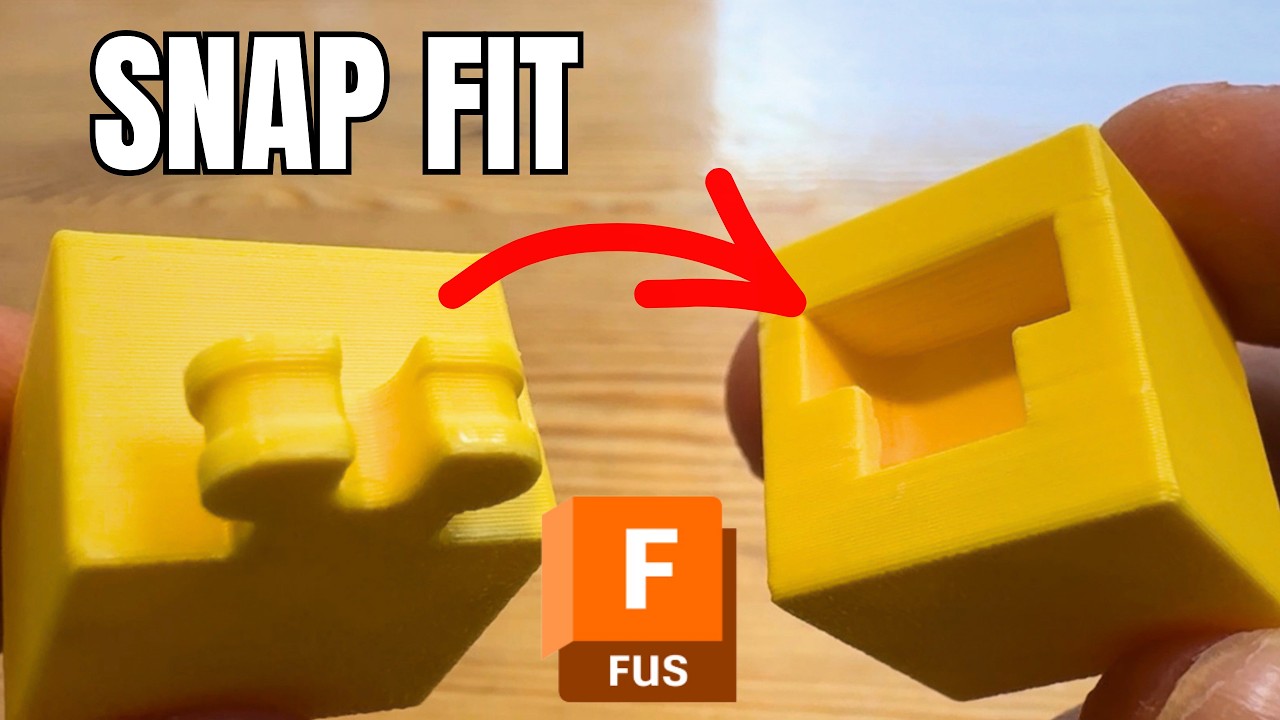
Design Snap Fits in Fusion 360 (But Easy)
Step-by-step Fusion 360 tutorial showing how to model, sweep, and tolerance a working snap fit joint for 3D printing.
 15:52
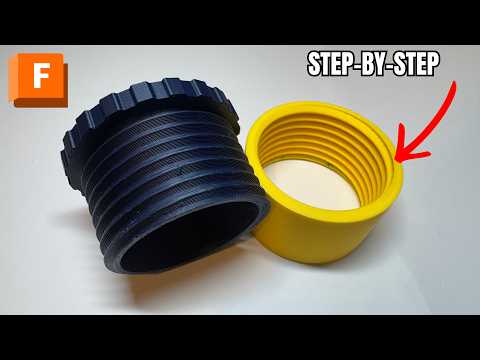
Design Fusion Threads for 3D Printing 2026 version
A step-by-step Fusion 360 guide to designing your own 3D-printable screw thread — from simple cylinders to a fully threaded, printable cap.
 10:07
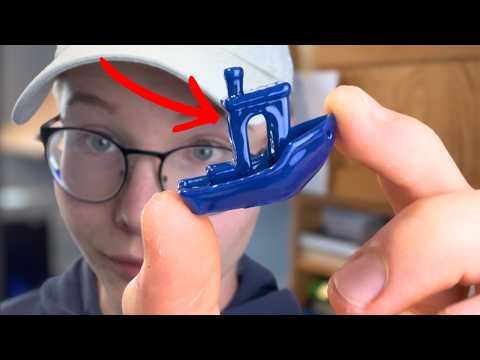
Viral 3D Printing Hacks Tested: What Actually Works
 1:42
CAD for Beginners: Design 3D Prints Using AI (No Skills)
Describe a part in plain English and PrintPal's CAD Agent writes real, printable OpenSCAD, then exports STL or 3MF for FDM printing.