Resources Library

3D Printing Videos, Tips & Tutorials

Quick Reels 9:16 · vertical
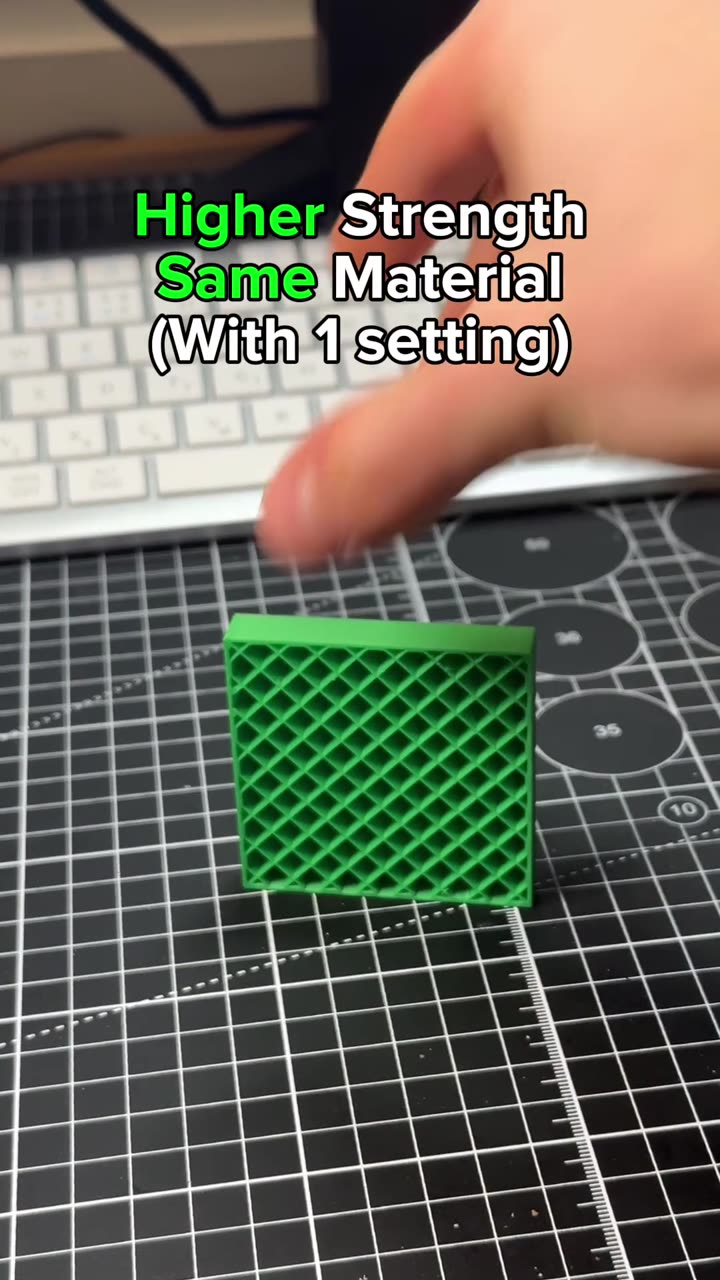
Stronger 3D prints with one slicer setting: Fill multiline
0:20

Stronger 3D prints with one slicer setting: Fill multiline

Tutorials 180
3 best slicer hacks you should know: OrcaSlicer plugins
0:24

3 best slicer hacks you should know: OrcaSlicer plugins

Tutorials 468
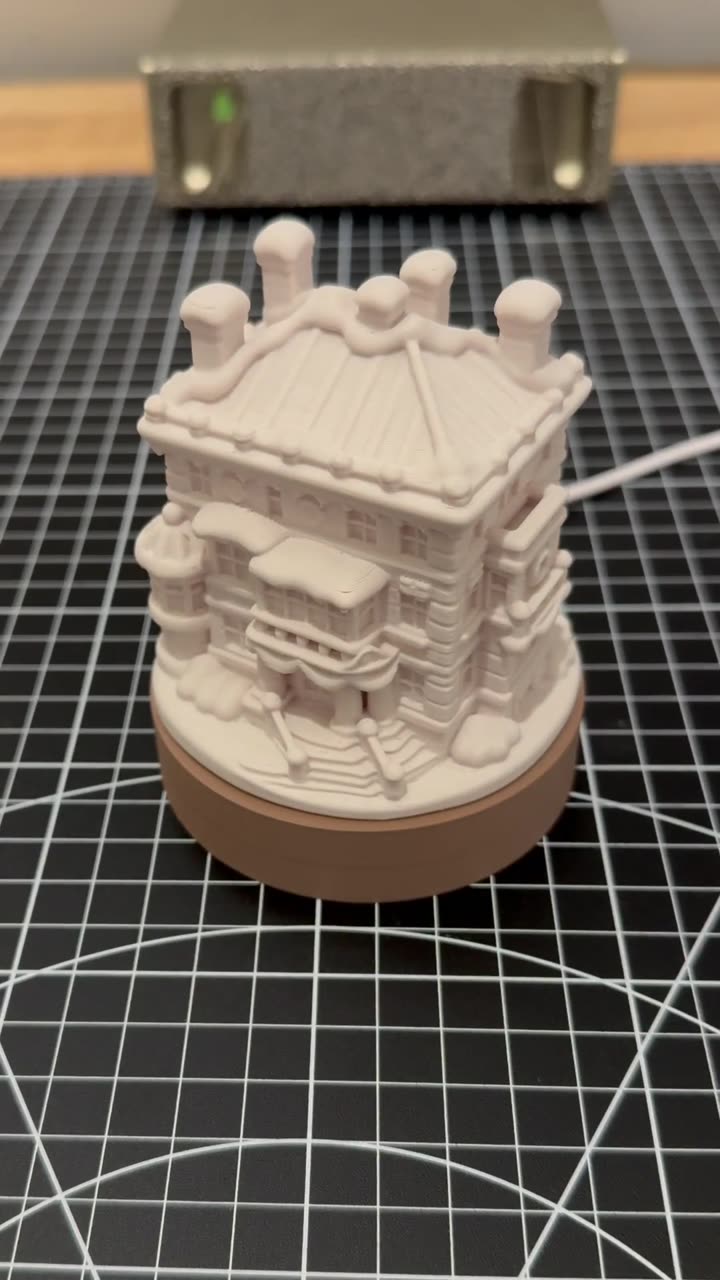
3D print a custom Christmas village house that lights up
0:23

3D print a custom Christmas village house that lights up

Tutorials 723
3D printing calibrations you should run, part 3: pressure advance
0:24

3D printing calibrations you should run, part 3: pressure advance

Tutorials 492
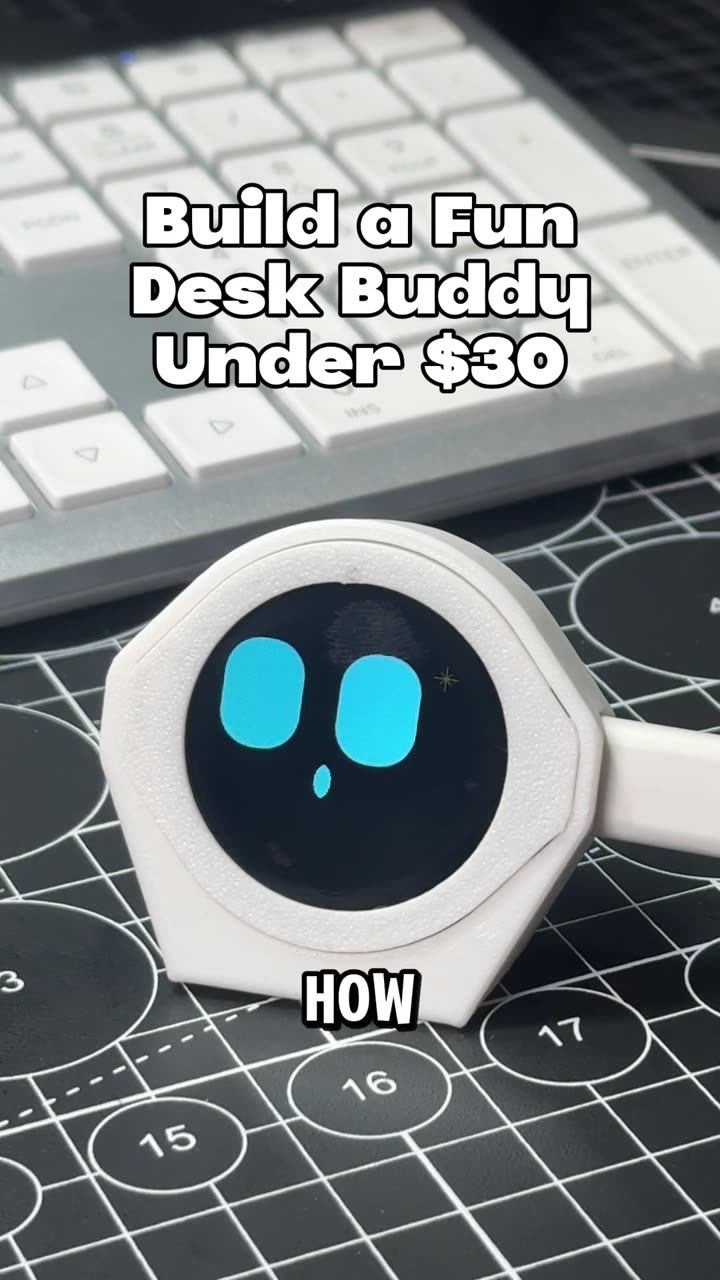
Build a desk buddy with 3D printing and an ESP32
0:22

Build a desk buddy with 3D printing and an ESP32

Tutorials 998
Learn 3D printing in 7 days, day 7, part 2: the right-click menu
1:05

Learn 3D printing in 7 days, day 7, part 2: the right-click menu

Tutorials 688
Learn 3D printing in 7 days, day 7: hidden slicer features
1:01

Learn 3D printing in 7 days, day 7: hidden slicer features

Tutorials 615
Learn 3D printing in 7 days, day 6, part 2: PLA, PETG, TPU, ABS and ASA
1:05

Learn 3D printing in 7 days, day 6, part 2: PLA, PETG, TPU, ABS and ASA

Tutorials 663
Learn 3D printing in 7 days, day 6: filament settings explained
1:02

Learn 3D printing in 7 days, day 6: filament settings explained

Tutorials 475
Learn 3D printing in 7 days, day 5, part 2: support, seam and color painting
1:01

Learn 3D printing in 7 days, day 5, part 2: support, seam and color painting

Tutorials 445
Learn 3D printing in 7 days, day 5: slicer tools to place your model
1:05

Learn 3D printing in 7 days, day 5: slicer tools to place your model

Tutorials 502
Learn 3D printing in 7 days, day 4, part 2: brims and vase mode
1:04

Learn 3D printing in 7 days, day 4, part 2: brims and vase mode

Tutorials 447
Learn 3D printing in 7 days, day 4: tree vs normal supports
1:06

Learn 3D printing in 7 days, day 4: tree vs normal supports

Tutorials 1889
Learn 3D printing in 7 days, day 3, part 2: print speed settings
1:02

Learn 3D printing in 7 days, day 3, part 2: print speed settings

Tutorials 750
Learn 3D printing in 7 days, day 3: strength, walls and infill
1:05

Learn 3D printing in 7 days, day 3: strength, walls and infill

Tutorials 1055 1
Learn 3D printing in 7 days, day 2: slicing, infill and PLA vs PETG
1:04

Learn 3D printing in 7 days, day 2: slicing, infill and PLA vs PETG

Tutorials 748
How does a 3D printer actually work?
1:02

How does a 3D printer actually work?

Tutorials 846
Learn how to start 3D printing in 7 days: day 1
1:08

Learn how to start 3D printing in 7 days: day 1

Tutorials 1145
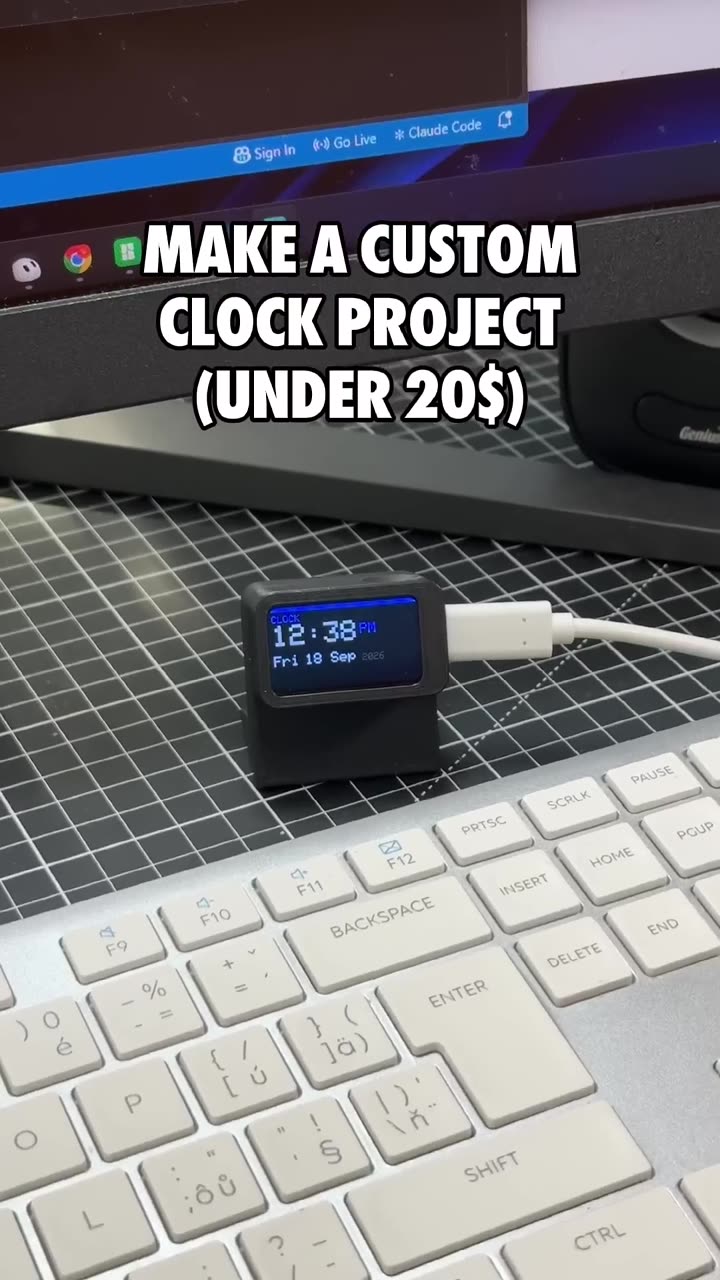
Make a custom 3D printed clock project for under $20
0:20

Make a custom 3D printed clock project for under $20

Tutorials 1412
Build an ESP32 display with 3D printing and Arduino
0:19

Build an ESP32 display with 3D printing and Arduino

Tutorials 1483
Here is how to make NFC business cards as a product for 3D printing
1:13

Here is how to make NFC business cards as a product for 3D printing

Tutorials 1641
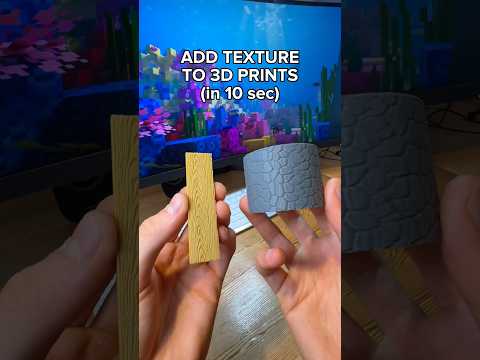
Add Texture to 3D Prints Of Any Shape
0:29

Add Texture to 3D Prints Of Any Shape

Tutorials 1818
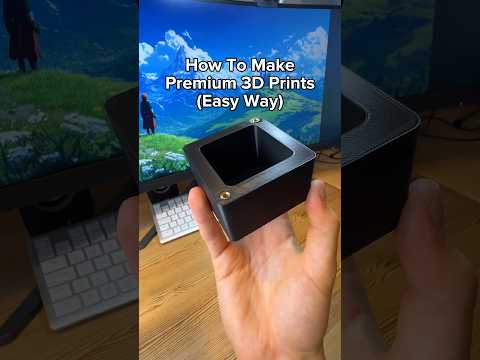
How To Make Premium 3D Prints With Heat Set Inserts
0:37

How To Make Premium 3D Prints With Heat Set Inserts

Tutorials 2015
How to add any texture to 3d prints using ai
0:29

How to add any texture to 3d prints using ai

Tutorials 2221
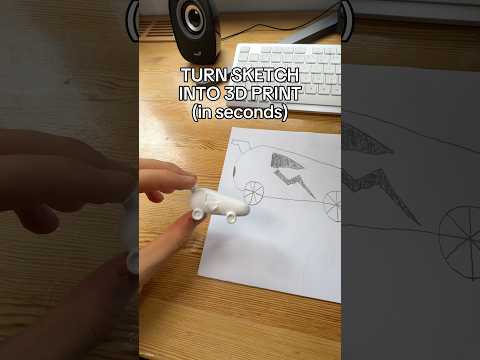
Turn a drawing into a 3d print without designing!
0:24

Turn a drawing into a 3d print without designing!

Tutorials 2052

Long-form Videos 16:9 · in-depth

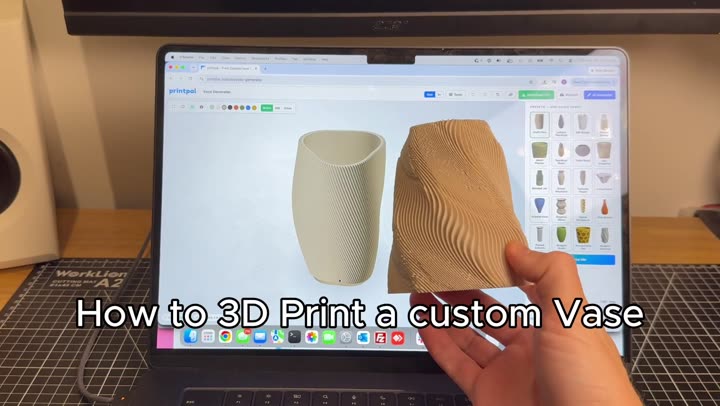
How to 3D print a custom vase 0:56
Tutorials

How to 3D print a custom vase

Design a one-of-a-kind vase in your browser. Start from a preset, reshape it with sliders, twist it, add a wavy rim, check it for print issues and download the STL. Free, no signup.
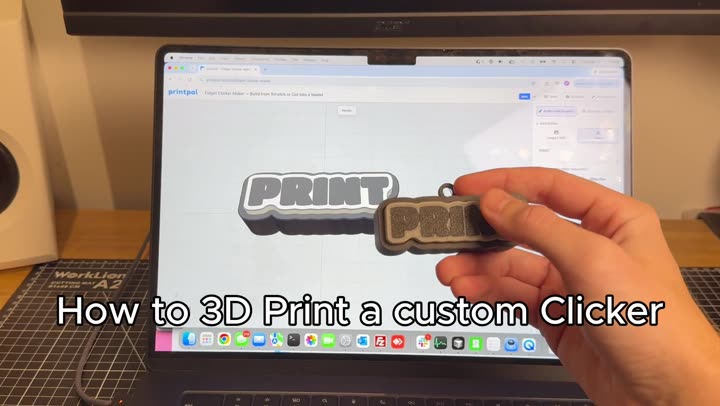
How to 3D print a custom MX fidget clicker 1:04
Tutorials

How to 3D print a custom MX fidget clicker

Turn any word, image or SVG into a two-part, multi-color fidget clicker built around a real MX keyboard switch. Pick a font, colors and shape, check the fit and download a 3MF.
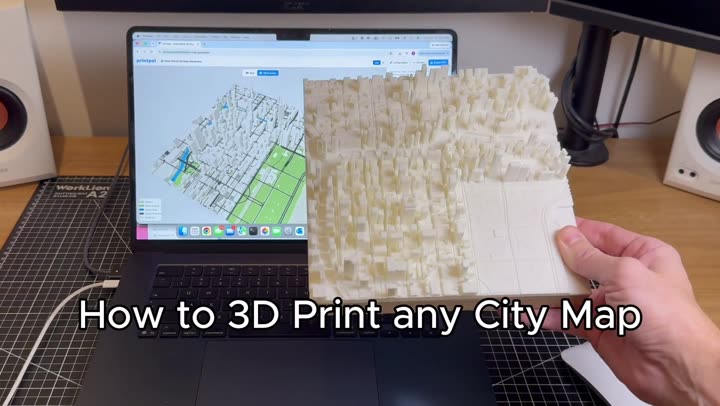
How to 3D print any city map 0:56
Tutorials

How to 3D print any city map

Search any place, drag a box and get a true-to-scale 3D city map with real OpenStreetMap buildings, roads, water and parks. Built in your browser and exported as a multi-color 3MF for AMS.
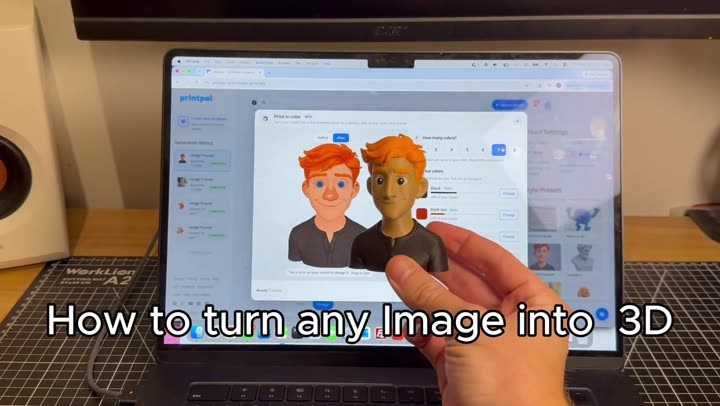
Turn any image into a colored 3D print 0:52
Tutorials

Turn any image into a colored 3D print

Turn a photo into a full-color 3D model with AI, split it into 4 filament colors and download a 3MF that opens ready to print in Bambu Studio or OrcaSlicer. Eight steps, no modeling.
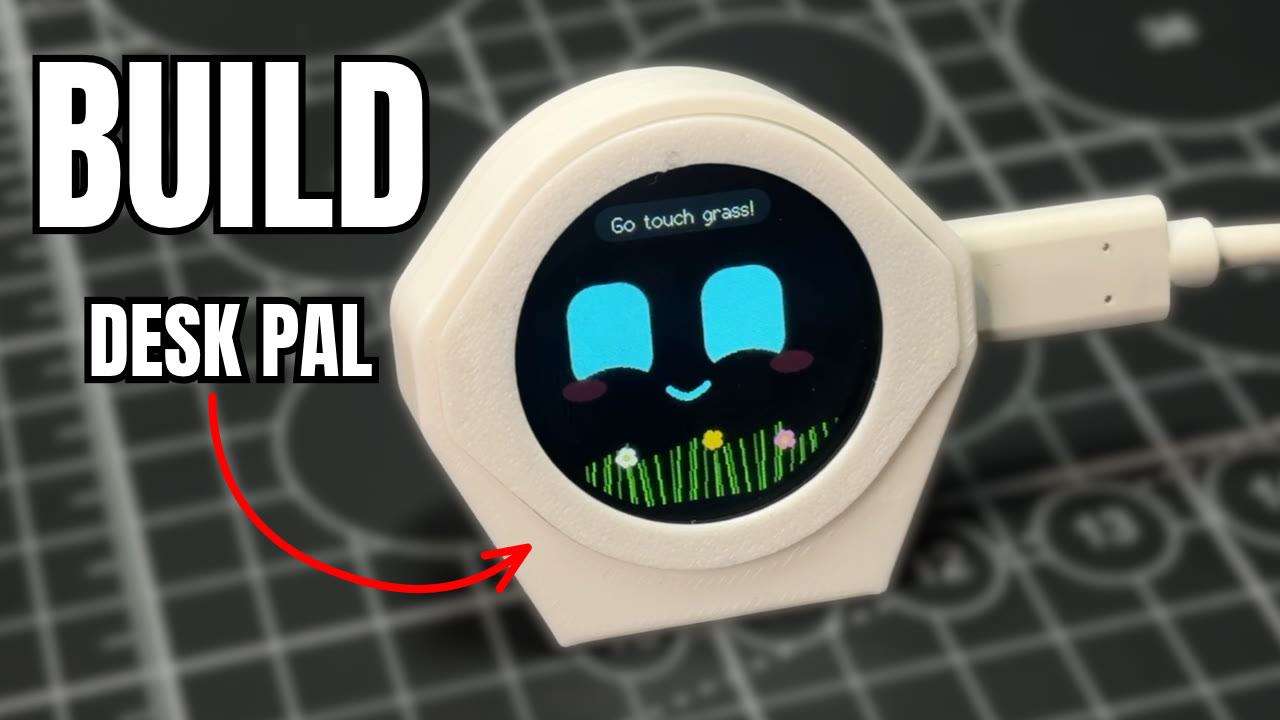
Build an ESP32-S3 Desk Buddy With a Real Personality 2:00
Tutorials

Build an ESP32-S3 Desk Buddy With a Real Personality

Build Desk Pal Buddy, a 3D printed desk pet on a round Waveshare ESP32-S3 touch screen. Print a three-part case, flash it from your browser, and he giggles, gets grumpy, falls asleep and reminds you to drink water.
Build an Interactive ESP32-C6 Desk Buddy for Under $20 1:53
Tutorials

Build an Interactive ESP32-C6 Desk Buddy for Under $20

Build Slab eyes, an interactive desk buddy with animated eyes, from a Waveshare ESP32-C6 screen and a two-part 3D printed case. No soldering: press it together, flash the code from your browser, and poke it with the BOOT button. Free guide and files.
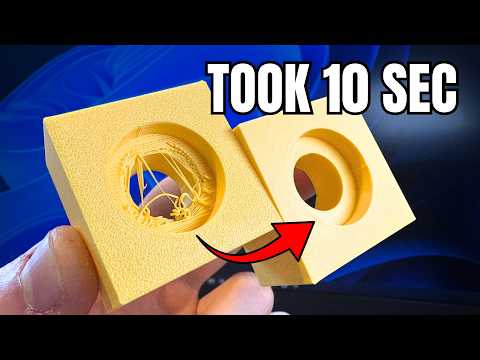
Stop 3D Printing Ugly Holes (Design + Slicer Fix) 6:32
Tutorials

Stop 3D Printing Ugly Holes (Design + Slicer Fix)

How to Fix Ugly 3D Printed Holes Forever! (CAD & Slicer Fix)
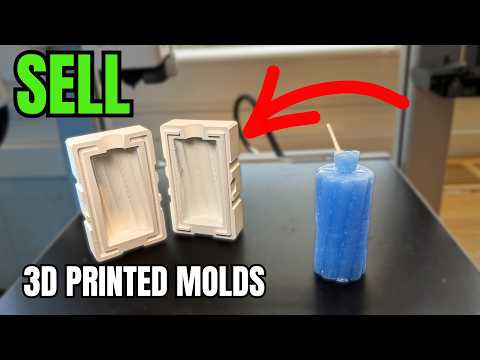
Make Money 3D Printing Molds (and ZERO Experience) 5:58
Tutorials

Make Money 3D Printing Molds (and ZERO Experience)

Turn your 3D printer into a mold-making business. Print custom candle molds with Meshcast, skip CAD, and sell bundles—no experience required.
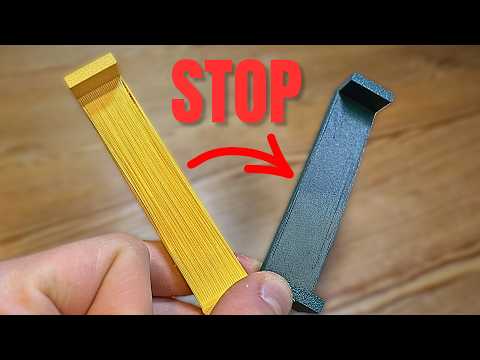
Why your 3D Prints Look Ugly (Quick Fix) 2:29
Tutorials

Why your 3D Prints Look Ugly (Quick Fix)

Struggling with stringy, sagging bridges? Master cooling, flow ratio, bridge speed, and fake bridges to get clean overhangs without supports.
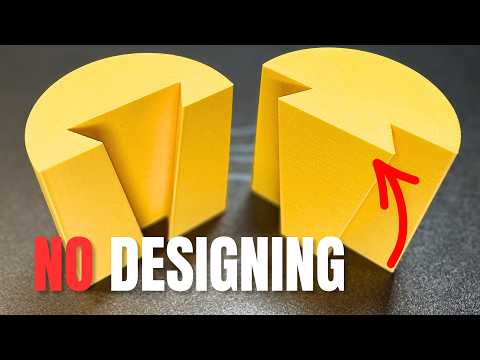
Connect 3D Prints Without Modelling, In 10 Seconds 9:08
Tutorials

Connect 3D Prints Without Modelling, In 10 Seconds

Five slicer cut-tool connectors — dovetail, angled groove, dowel, plug, and snap fit — for splitting and joining big 3D prints without CAD.
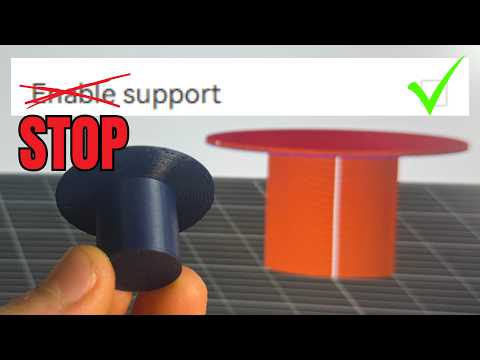
How To Stop Using Supports (WIth One Setting) 4:59
Tutorials

How To Stop Using Supports (WIth One Setting)

Enable Wave Overhangs in Orca Slicer to print 90° overhangs without supports using a single experimental setting.
Design Snap Fits in Fusion 360 (But Easy) 12:28
Tutorials

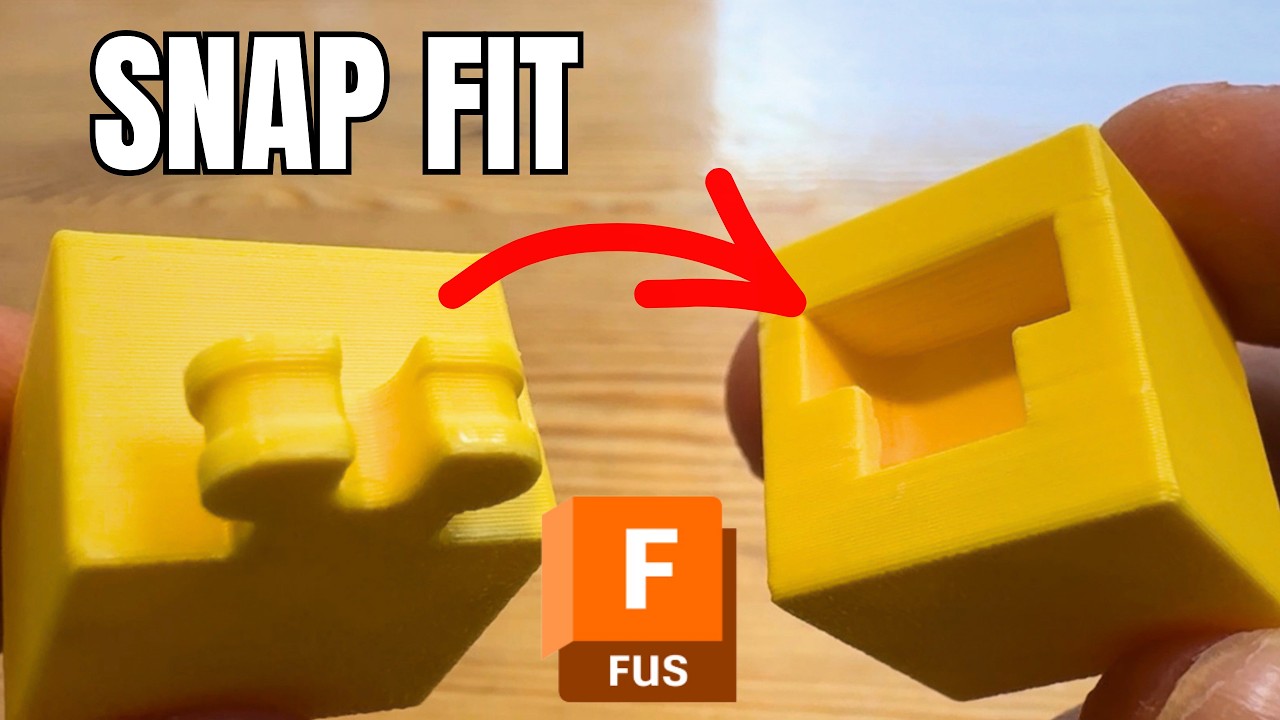
Design Snap Fits in Fusion 360 (But Easy)

Step-by-step Fusion 360 tutorial showing how to model, sweep, and tolerance a working snap fit joint for 3D printing.
Design Fusion Threads for 3D Printing 2026 version 15:52
Tutorials

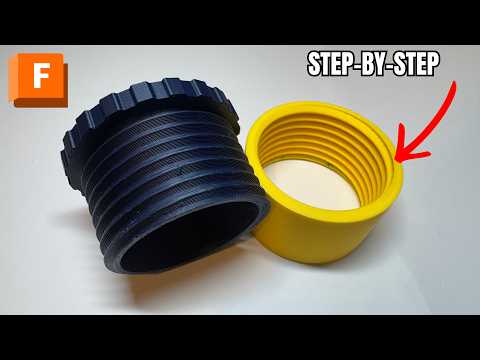
Design Fusion Threads for 3D Printing 2026 version

A step-by-step Fusion 360 guide to designing your own 3D-printable screw thread — from simple cylinders to a fully threaded, printable cap.

CAD for Beginners: Design 3D Prints Using AI (No Skills) 1:42
Tutorials

CAD for Beginners: Design 3D Prints Using AI (No Skills)

Describe a part in plain English and PrintPal's CAD Agent writes real, printable OpenSCAD, then exports STL or 3MF for FDM printing.
Turn Any Photo Into a 3D Print Model with AI (Beginner Tutorial) 2:42
Tutorials

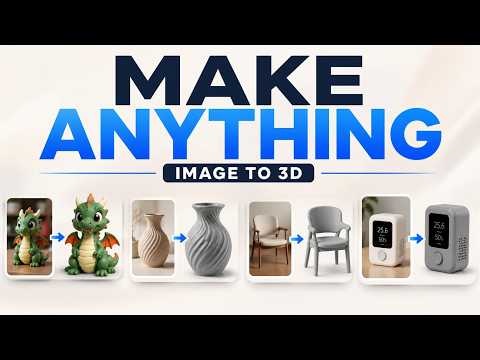
Turn Any Photo Into a 3D Print Model with AI (Beginner Tutorial)

Turn any photo into a print-ready 3D model in under two minutes with AI image-to-3D, full-color options, and one-click slicer sending.