Resources Library

3D Printing Videos, Tips & Tutorials

Quick Reels 9:16 · vertical
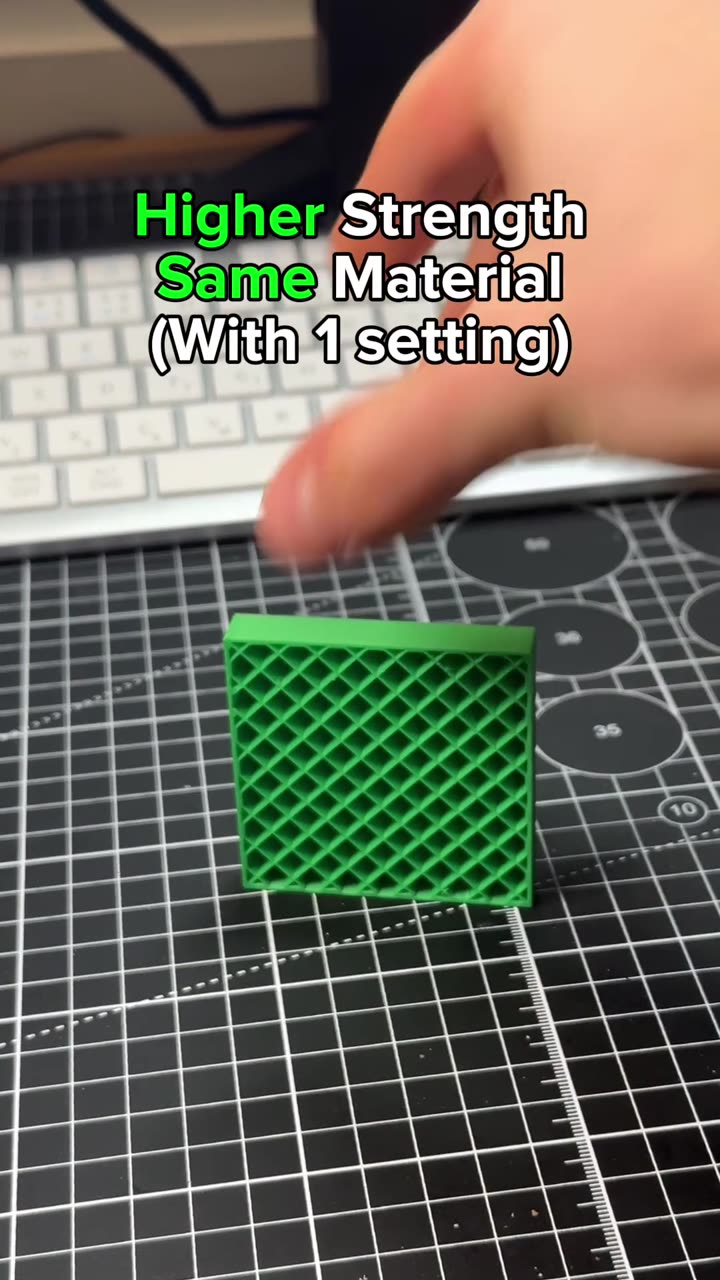
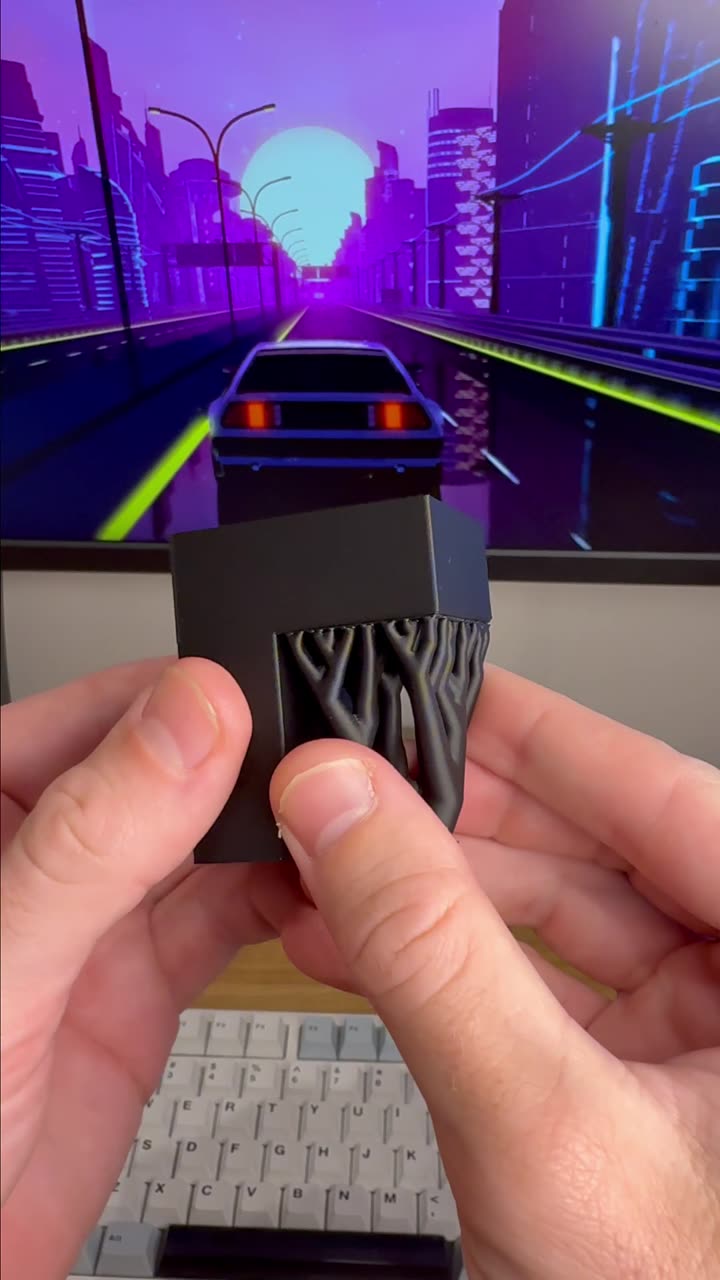
Stronger 3D prints with one slicer setting: Fill multiline
0:20

Stronger 3D prints with one slicer setting: Fill multiline

Tutorials 41
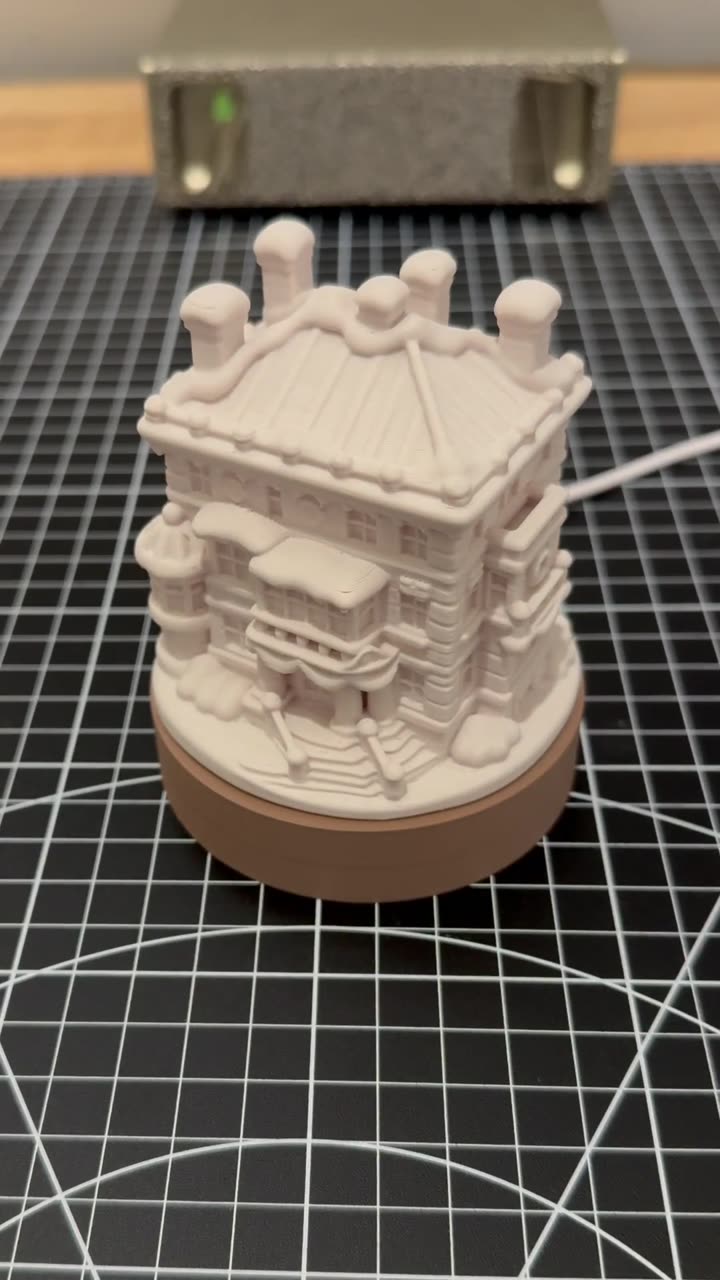
3D print a custom Christmas village house that lights up
0:23

3D print a custom Christmas village house that lights up

Tutorials 384
Learn 3D printing in 7 days, day 7, part 2: the right-click menu
1:05

Learn 3D printing in 7 days, day 7, part 2: the right-click menu

Tutorials 570
Learn 3D printing in 7 days, day 7: hidden slicer features
1:01

Learn 3D printing in 7 days, day 7: hidden slicer features

Tutorials 527
Learn 3D printing in 7 days, day 6: filament settings explained
1:02

Learn 3D printing in 7 days, day 6: filament settings explained

Tutorials 432
Learn 3D printing in 7 days, day 5, part 2: support, seam and color painting
1:01

Learn 3D printing in 7 days, day 5, part 2: support, seam and color painting

Tutorials 412
Learn 3D printing in 7 days, day 5: slicer tools to place your model
1:05

Learn 3D printing in 7 days, day 5: slicer tools to place your model

Tutorials 480
Learn 3D printing in 7 days, day 4: tree vs normal supports
1:06

Learn 3D printing in 7 days, day 4: tree vs normal supports

Tutorials 1759
Learn 3D printing in 7 days, day 3, part 2: print speed settings
1:02

Learn 3D printing in 7 days, day 3, part 2: print speed settings

Tutorials 702
Learn 3D printing in 7 days, day 3: strength, walls and infill
1:05

Learn 3D printing in 7 days, day 3: strength, walls and infill

Tutorials 1008 1
Learn 3D printing in 7 days, day 2: slicing, infill and PLA vs PETG
1:04

Learn 3D printing in 7 days, day 2: slicing, infill and PLA vs PETG

Tutorials 711
Learn how to start 3D printing in 7 days: day 1
1:08

Learn how to start 3D printing in 7 days: day 1

Tutorials 1086
3D printing calibrations you should run, part 2
0:30

3D printing calibrations you should run, part 2

Slicer Settings 1664
5 do's and don'ts of 3D printing settings, part 2
0:33

5 do's and don'ts of 3D printing settings, part 2

Tips & Tricks 1070
Fix stringing on 3D prints with these slicer settings
0:26

Fix stringing on 3D prints with these slicer settings

Slicer Settings 1651
Timelapse a 3D print from any STL file
0:20

Timelapse a 3D print from any STL file

Tools 397
Calibrations you should run on your 3D printer
0:26

Calibrations you should run on your 3D printer

Slicer Settings 758
Reduce wasted filament on 3D printed prime towers
0:25

Reduce wasted filament on 3D printed prime towers

Slicer Settings 807
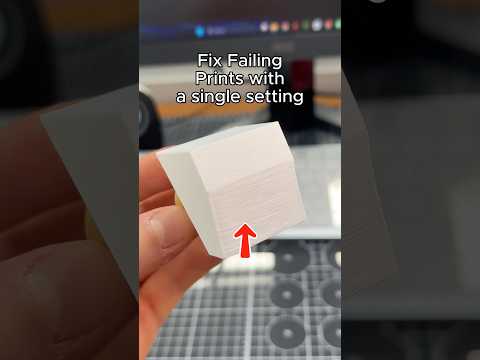
How to improve 3D prints Surface Stairs, with a single setting

How to improve 3D prints Surface Stairs, with a single setting

Tips & Tricks 2886
Create a 3D printable Real World map

Create a 3D printable Real World map

Tools 1517
How to 3D print TPU perfectly

How to 3D print TPU perfectly

Tips & Tricks 2295
Fix your 3D printed overhangs
0:23

Fix your 3D printed overhangs

Tips & Tricks 2746
Print Multicolour Part on the same build plate, with no waste
0:27

Print Multicolour Part on the same build plate, with no waste

Tips & Tricks 1373
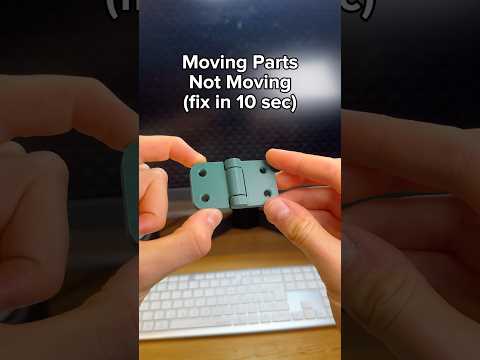
Here is how to fix moving 3D prints, that aren't moving
0:21

Here is how to fix moving 3D prints, that aren't moving

Tips & Tricks 1855
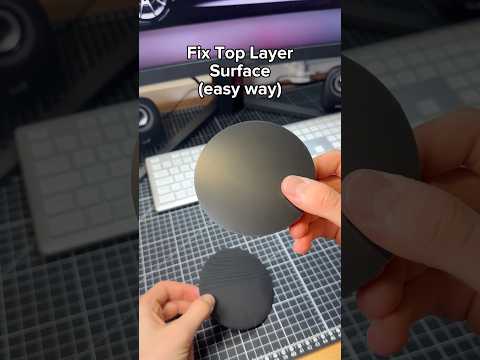
How to fix 3D prints top layer, with one simple test
0:23

How to fix 3D prints top layer, with one simple test

Tips & Tricks 4400 4
how to turn a sketch into a 3D model in seconds
0:17

how to turn a sketch into a 3D model in seconds

Tools 1063
How to learn 3D printing completely for free
0:24

How to learn 3D printing completely for free

Tips & Tricks 2069
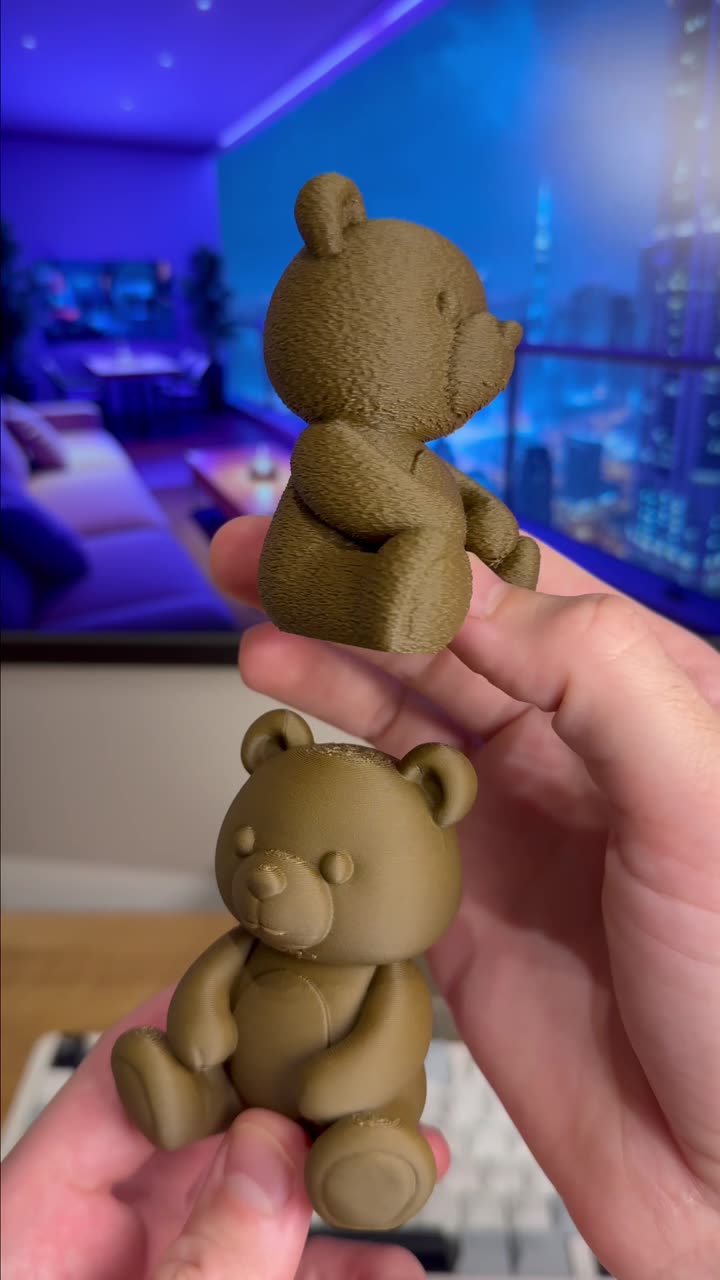
How to Get smooth and textured 3D prints
0:21

How to Get smooth and textured 3D prints

Tips & Tricks 1242
Remove Seam from 3D prints, with a single setting
0:18

Remove Seam from 3D prints, with a single setting

Tips & Tricks 2305
Here is how to make NFC business cards as a product for 3D printing
1:13

Here is how to make NFC business cards as a product for 3D printing

Tutorials 1577
Know exactly what fuzzy skin to use with this print

Know exactly what fuzzy skin to use with this print

Tips & Tricks 1636
Stop Supports From Ruining Your Prints
0:19

Stop Supports From Ruining Your Prints

Tips & Tricks 2808
Get Premium Texture On Your 3D Prints, in Slicer!
0:25

Get Premium Texture On Your 3D Prints, in Slicer!

Tips & Tricks 1705
Create a Map 3D Print of any City
0:18

Create a Map 3D Print of any City

Tools 1497
3D Print Custom Name Tags With Patterns
0:34

3D Print Custom Name Tags With Patterns

Tools 1726
Add Texture to 3D Prints Of Any Shape
0:29

Add Texture to 3D Prints Of Any Shape

Tutorials 1758
Create a Flexi 3D Print without Designing!
0:24

Create a Flexi 3D Print without Designing!

Tools 1639
Fix Colour Spill in 3D Printed first layer
0:23

Fix Colour Spill in 3D Printed first layer

Tips & Tricks 1647
How to 3D print Custom Sculptures without designing
0:26

How to 3D print Custom Sculptures without designing

Tools 1419
Connect 3D Prints with a Snap Fit in slicer
0:29

Connect 3D Prints with a Snap Fit in slicer

Tips & Tricks 1522
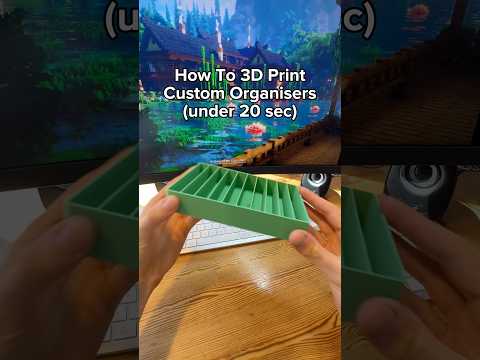
Make Custom 3D Printed Organiser in 10 seconds
0:22

Make Custom 3D Printed Organiser in 10 seconds

Tools 1946
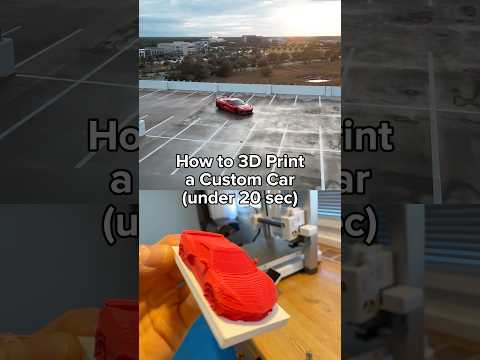
3D Print any Car in 10 seconds
0:21

3D Print any Car in 10 seconds

Tools 1439
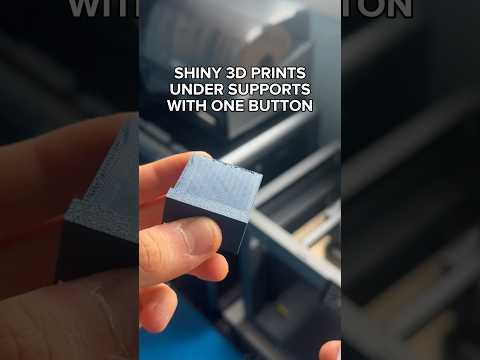
How to get SHINY support layers
0:26

How to get SHINY support layers

Slicer Settings 1823
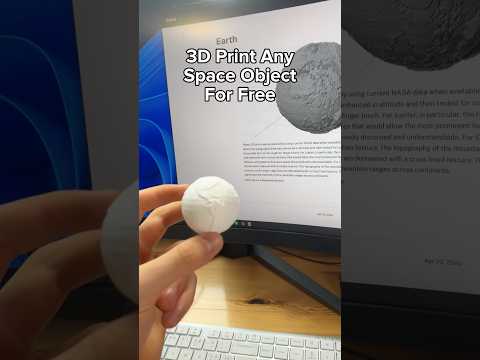
3d print NASA space objects for free
0:23

3d print NASA space objects for free

Ideas 1864
How to use NFC tags in 3d prints
0:30

How to use NFC tags in 3d prints

Tips & Tricks 3140
When should you use Gyroid infill pattern?
0:29

When should you use Gyroid infill pattern?

Slicer Settings 1819
How to connect 3D prints in the slicer with threads
0:27

How to connect 3D prints in the slicer with threads

Slicer Settings 2503
Scale your 3d printing for an exact fit in your slicer
0:31

Scale your 3d printing for an exact fit in your slicer

Slicer Settings 1705
How to connect 3d prints inside your slicer
0:28

How to connect 3d prints inside your slicer

Slicer Settings 1867
How to get perfect supports on your 3d prints
0:22

How to get perfect supports on your 3d prints

Slicer Settings 4064
3D print a custom vase without modeling!

3D print a custom vase without modeling!

Tools 1751
How to add any texture to 3d prints using ai
0:29

How to add any texture to 3d prints using ai

Tutorials 2182
Fix ruined brims on your 3d prints in seconds
0:23

Fix ruined brims on your 3d prints in seconds

Slicer Settings 2355
Turn a drawing into a 3d print without designing!
0:24

Turn a drawing into a 3d print without designing!

Tutorials 1991
3D Print custom organizers without modeling
0:21

3D Print custom organizers without modeling

Tools 1767
How to 3D print any building from just a picture
0:26

How to 3D print any building from just a picture

Tools 1864
Fix bad 3d printed top layers forever
0:22

Fix bad 3d printed top layers forever

Tips & Tricks 4791
3d printing tools that skip designing
0:27

3d printing tools that skip designing

Tools 1846
These are the best tips that all beginners should know!
0:44

These are the best tips that all beginners should know!

Tips & Tricks 3587
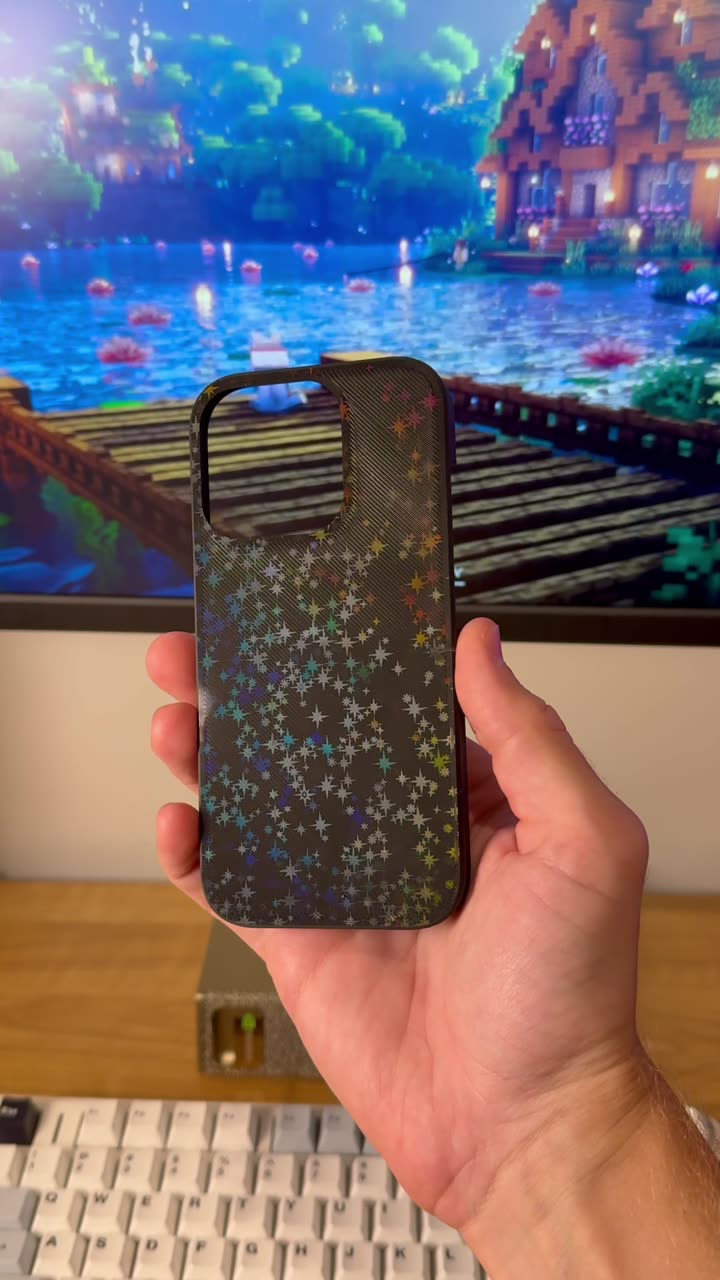
How to get a holographic effect on your 3D Prints
0:19

How to get a holographic effect on your 3D Prints

Tips & Tricks 5331
3D Printing tools you should know part 12: build your own fantasy map
0:18

3D Printing tools you should know part 12: build your own fantasy map

Tools 3631
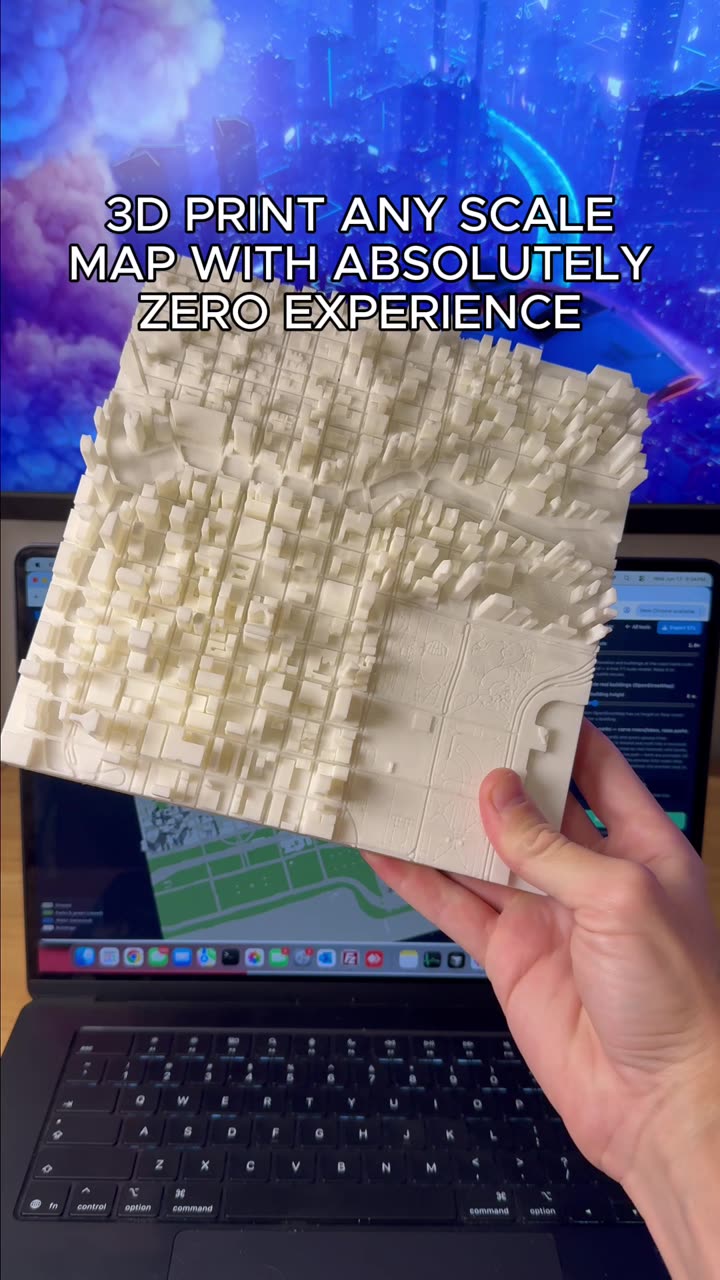
How to make a 3D scale map
0:19

How to make a 3D scale map

Tools 4544
3D Printing tools you should know part 10: make a scale map of any city
0:16

3D Printing tools you should know part 10: make a scale map of any city

Tools 3678
3D Print ANYTHING you see out in the world
0:21

3D Print ANYTHING you see out in the world

Ideas 4605
3D Printing tools you should know part 9: easily design fully editable CAD models
0:16

3D Printing tools you should know part 9: easily design fully editable CAD models

Tools 5272
Stop your 3D Prints from warping
0:18

Stop your 3D Prints from warping

Tips & Tricks 4695
You should know this Brick builder tool
0:19

You should know this Brick builder tool

Tools 4141
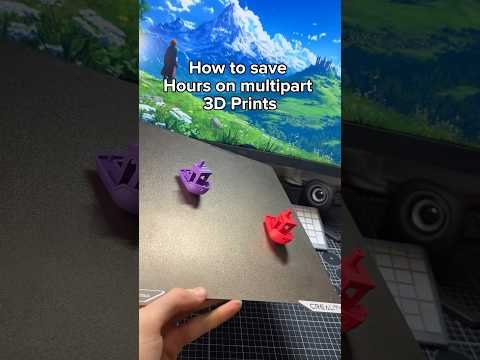
Save hours when 3D printing multiple parts with this 1 setting
0:19

Save hours when 3D printing multiple parts with this 1 setting

Slicer Settings 5006
How to hide layer lines for the smoothest 3D prints
0:14

How to hide layer lines for the smoothest 3D prints

Tips & Tricks 33106
How to hide the seam on your 3D Prints
0:14

How to hide the seam on your 3D Prints

Tips & Tricks 9279
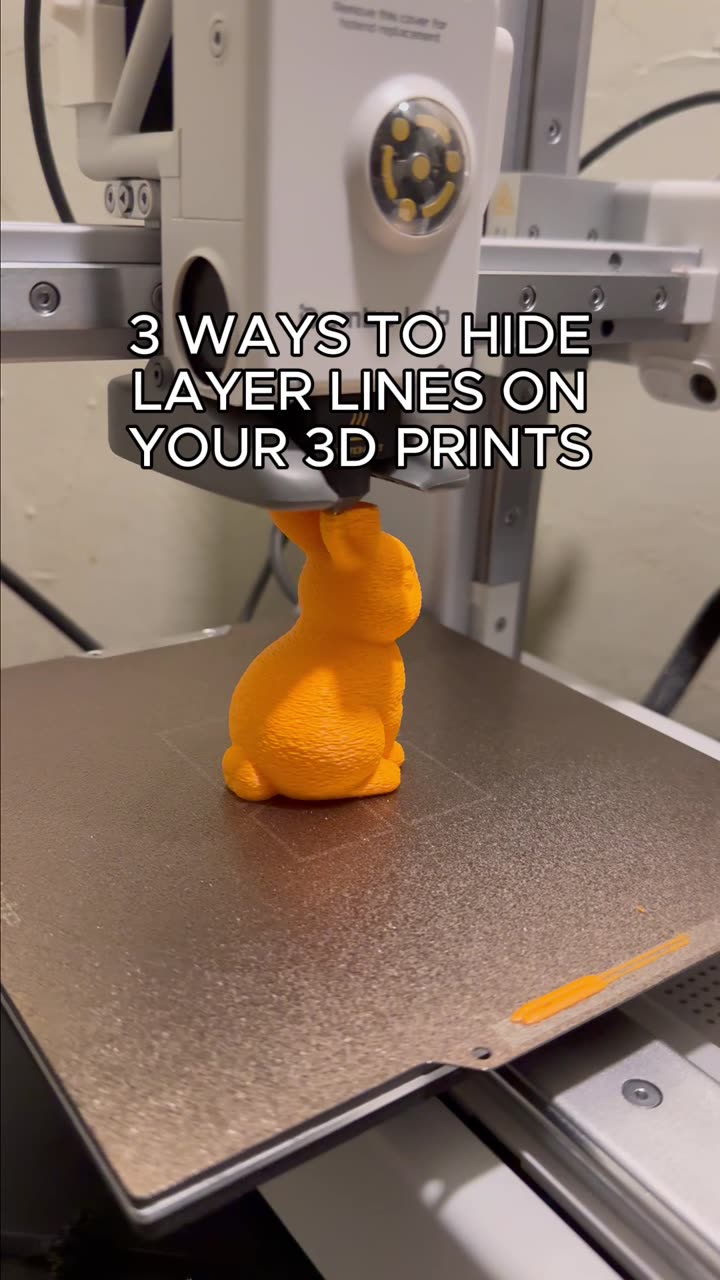
3 ways to hide layer lines on your 3D Prints
0:18

3 ways to hide layer lines on your 3D Prints

Tips & Tricks 7039
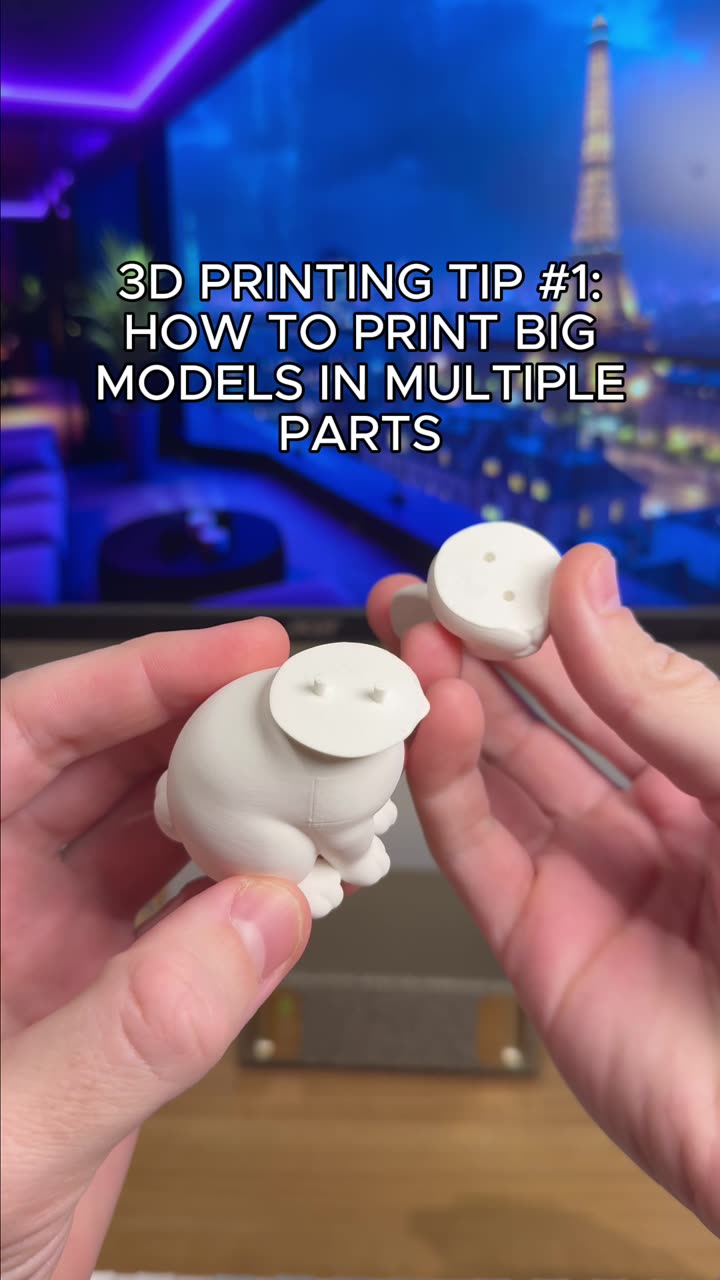
How to 3D print large objects in multiple parts
0:17

How to 3D print large objects in multiple parts

Tips & Tricks 11676
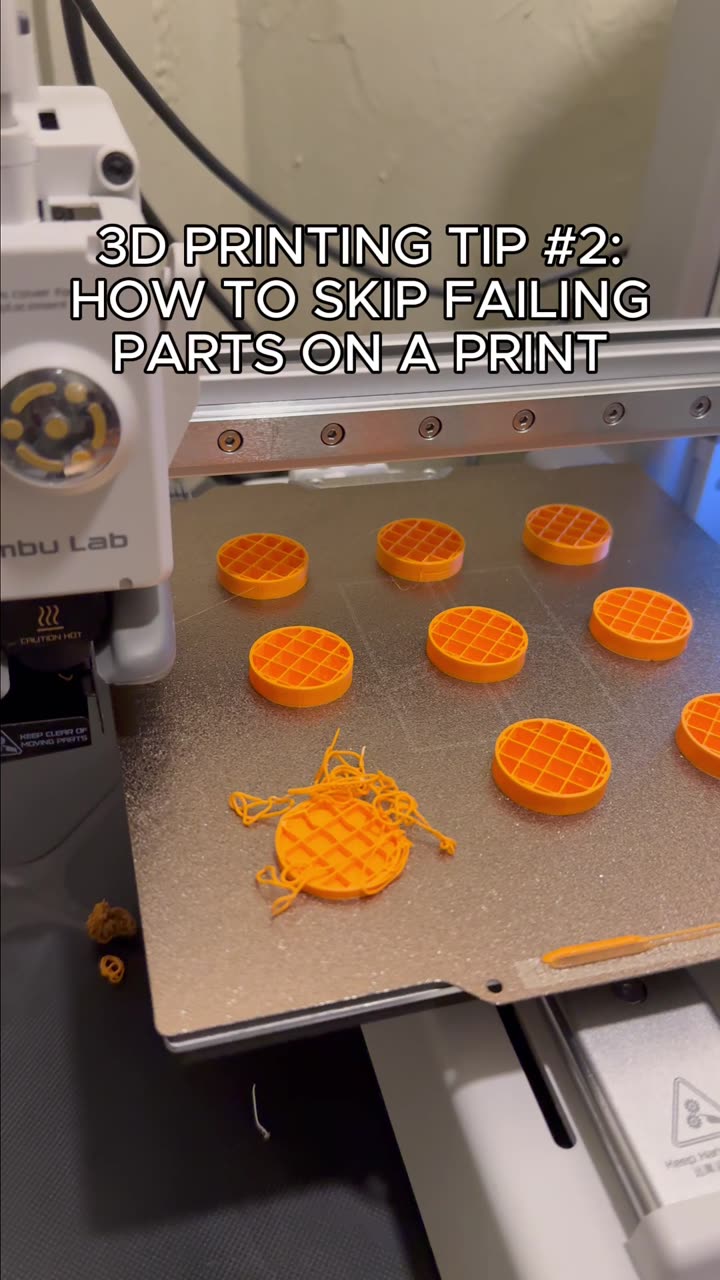
How to skip failed parts when you 3D print
0:14

How to skip failed parts when you 3D print

Tips & Tricks 11032
How to cleanly remove supports from your 3D prints
0:15

How to cleanly remove supports from your 3D prints

Tips & Tricks 8041
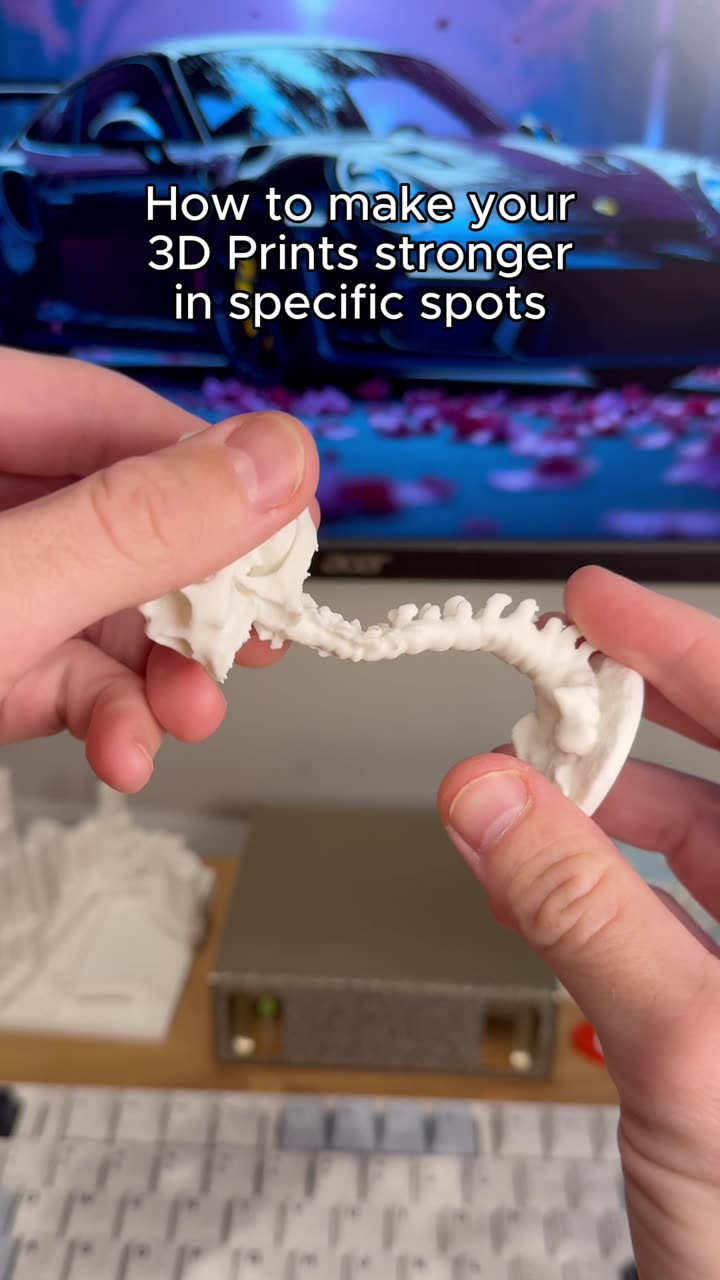
How to make 3D prints stronger in specific spots
0:20

How to make 3D prints stronger in specific spots

Tips & Tricks 5067
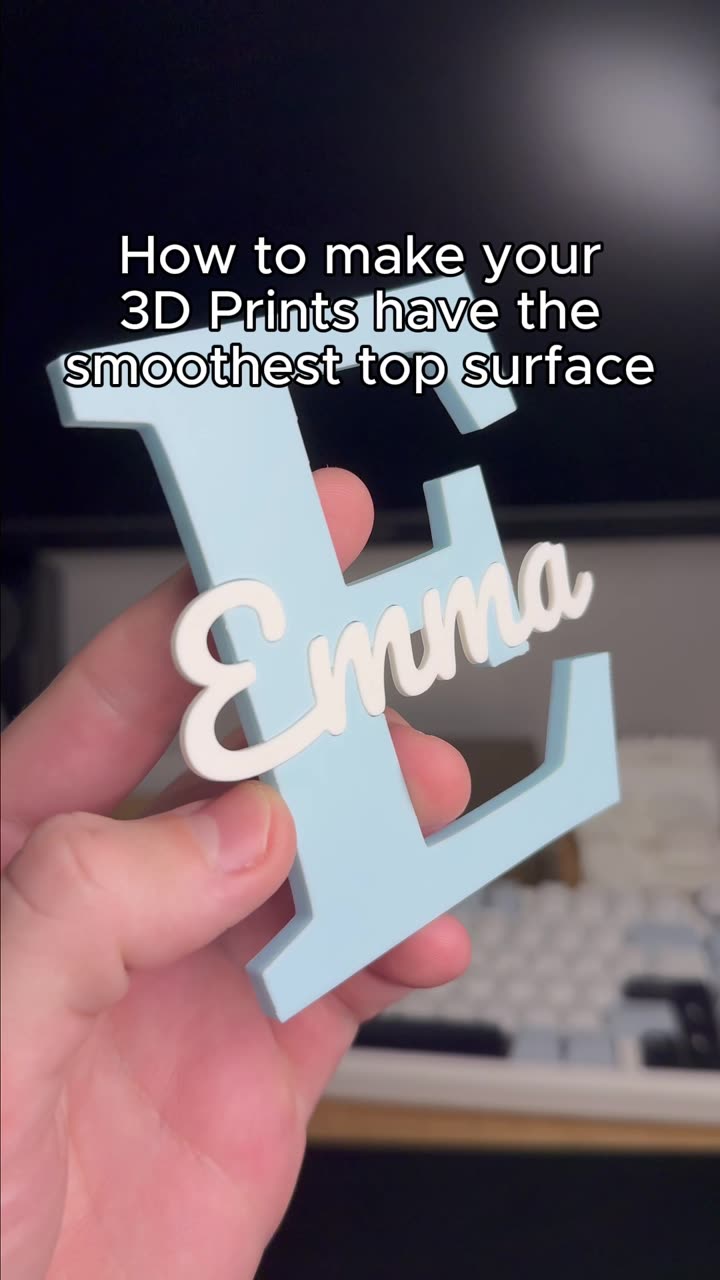
How to make your 3D Prints have the smoothest top surface
0:15

How to make your 3D Prints have the smoothest top surface

Tips & Tricks 8529
How to add fuzzy skin to any 3D Print in seconds
0:13

How to add fuzzy skin to any 3D Print in seconds

Tips & Tricks 6067
How to easily add magnets to your 3D Prints
0:20

How to easily add magnets to your 3D Prints

Tips & Tricks 6396
How to easily set colors of objects when you 3D print
0:14

How to easily set colors of objects when you 3D print

Tips & Tricks 5873

Long-form Videos 16:9 · in-depth

How to 3D print a custom MX fidget clicker 1:04
Tutorials

How to 3D print a custom MX fidget clicker

Turn any word, image or SVG into a two-part, multi-color fidget clicker built around a real MX keyboard switch. Pick a font, colors and shape, check the fit and download a 3MF.
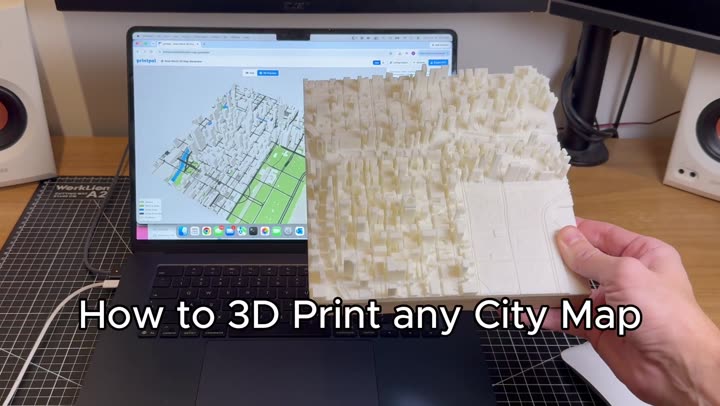
How to 3D print any city map 0:54
Tutorials

How to 3D print any city map

Search any place, drag a box and get a true-to-scale 3D city map with real OpenStreetMap buildings, roads, water and parks. Built in your browser and exported as a multi-color 3MF for AMS.
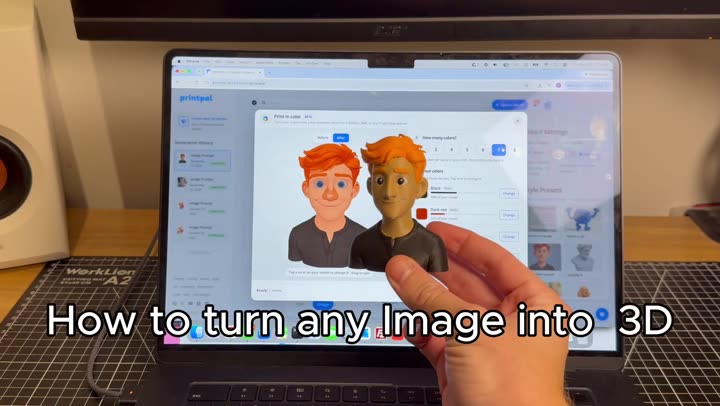
Turn any image into a colored 3D print 0:51
Tutorials

Turn any image into a colored 3D print

Turn a photo into a full-color 3D model with AI, split it into 4 filament colors and download a 3MF that opens ready to print in Bambu Studio or OrcaSlicer. Eight steps, no modeling.
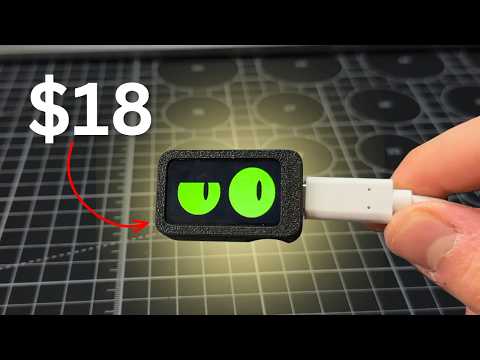
Build an Interactive ESP32-C6 Desk Buddy for Under $20 1:53
Tutorials

Build an Interactive ESP32-C6 Desk Buddy for Under $20

Build Slab eyes, an interactive desk buddy with animated eyes, from a Waveshare ESP32-C6 screen and a two-part 3D printed case. No soldering: press it together, flash the code from your browser, and poke it with the BOOT button. Free guide and files.
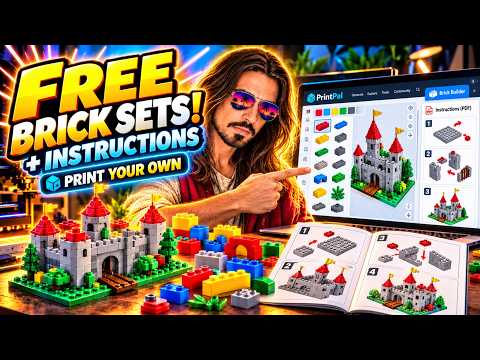
Design Custom LEGO-Style Brick Sets with Free PDF Instructions 1:27
Tools

Design Custom LEGO-Style Brick Sets with Free PDF Instructions

Steve (3D Jesus) builds a custom model in PrintPal's free 3D Brick Builder, downloads every brick as a printable STL in one ZIP, and gets an auto-generated PDF instruction booklet. Includes his tolerance tips for printing LEGO-style bricks.
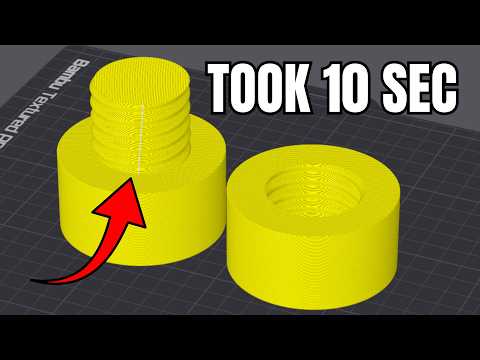
9 Slicer Hacks You Wish You Knew Sooner - in 9 min 9:12
Slicer Settings

9 Slicer Hacks You Wish You Knew Sooner - in 9 min

Nine game-changing slicer tricks that save time, filament, and frustration — from keyboard shortcuts to mesh booleans and print pausing.
Connect 3D Prints Without Modelling, In 10 Seconds 9:08
Tutorials

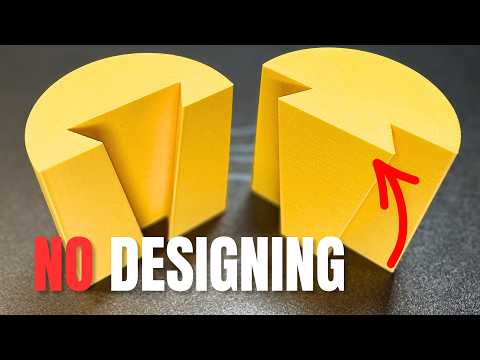
Connect 3D Prints Without Modelling, In 10 Seconds

Five slicer cut-tool connectors — dovetail, angled groove, dowel, plug, and snap fit — for splitting and joining big 3D prints without CAD.
Design Fusion Threads for 3D Printing 2026 version 15:52
Tutorials

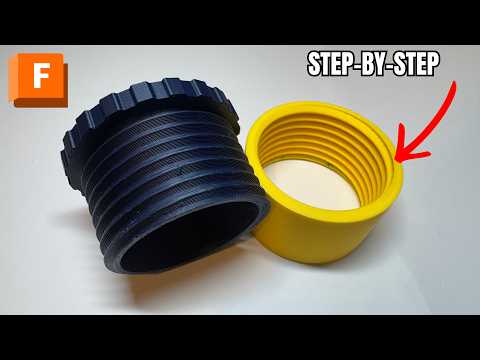
Design Fusion Threads for 3D Printing 2026 version

A step-by-step Fusion 360 guide to designing your own 3D-printable screw thread — from simple cylinders to a fully threaded, printable cap.
Turn Any Photo Into a 3D Print Model with AI (Beginner Tutorial) 2:42
Tutorials

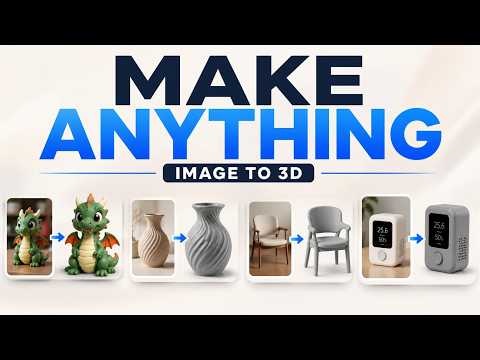
Turn Any Photo Into a 3D Print Model with AI (Beginner Tutorial)

Turn any photo into a print-ready 3D model in under two minutes with AI image-to-3D, full-color options, and one-click slicer sending.